
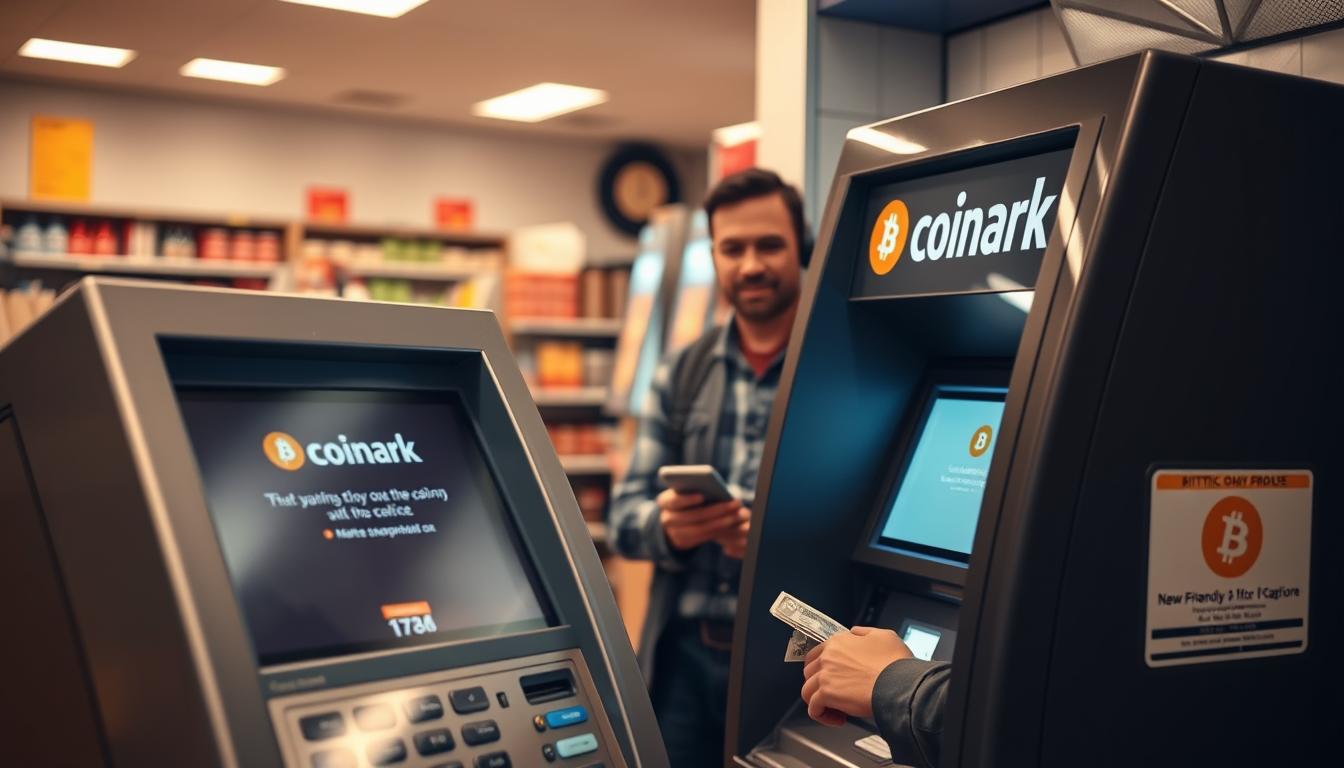
I’m here to guide you through a quick, phone-style help session for using a bitcoin atm at Coinark on W Lake Rd. I keep instructions simple so you can finish a cash-to-crypto purchase without guesswork.
I explain what Bitcoin ATM Customer Support Erie, PA means in practice: live help with on-screen prompts, common error messages, and the steps to confirm a wallet address before you send funds.
I set expectations up front. I’ll help you prepare your wallet, confirm network details, and watch the on-screen status after you insert cash. Most issues clear up fast when we verify the address format and status messages together.
For clarity, I reference Coinark at 3108 W Lake Rd, Erie, PA 16505 and link the official map so you know where to go. The rest of this guide works like a simple directory: what to bring, what I troubleshoot, and nearby backup options if needed.
Key Takeaways
- I offer step-by-step phone help for using a local crypto kiosk.
- I confirm your wallet and network before you complete a purchase.
- Most problems fix quickly by checking address format and on-screen messages.
- Primary reference location: Coinark, 3108 W Lake Rd, with an official map link.
- The article that follows lists where to go, what to bring, and backup kiosk options.
Coinark Bitcoin ATM in Erie, PA: Address, Location, and Directions
I make finding the Coinark kiosk simple with a clear address, a quick map check, and an arrival checklist you can use on the go.
Coinark Bitcoin ATM address: 3108 W Lake Rd, Erie, PA 16505
Exact address: 3108 W Lake Rd, Erie, PA 16505. Plug this into your GPS before you leave so you arrive at the right store the first time.
Get directions and confirm the spot on Google Maps
Open the Google Maps listing (https://g.page/r/CZfZxxySCpzYEBM/) before driving. Confirm the pin, the entrance, and nearby parking to avoid going into the wrong location.
- Match kiosk branding on-screen and look for the Bitcoin ATM header once you enter.
- Check the buy/sell options displayed to ensure you have the right flow for your transaction.
- Use my arrival checklist: parking, power on, and enough time to finish the session.
| Feature | What to check | Why it matters |
|---|---|---|
| Address | 3108 W Lake Rd, Erie, PA 16505 | Prevents wrong-stop visits |
| Map Pin | Open Google Maps link | Shows entrance and parking |
| On-site Check | Branding and options | Confirms correct kiosk before inserting cash |
Bitcoin ATM Customer Support Erie, PA: How I Help You Complete a Transaction
I coach you through the transaction so you know what each on-screen prompt means and why it matters.
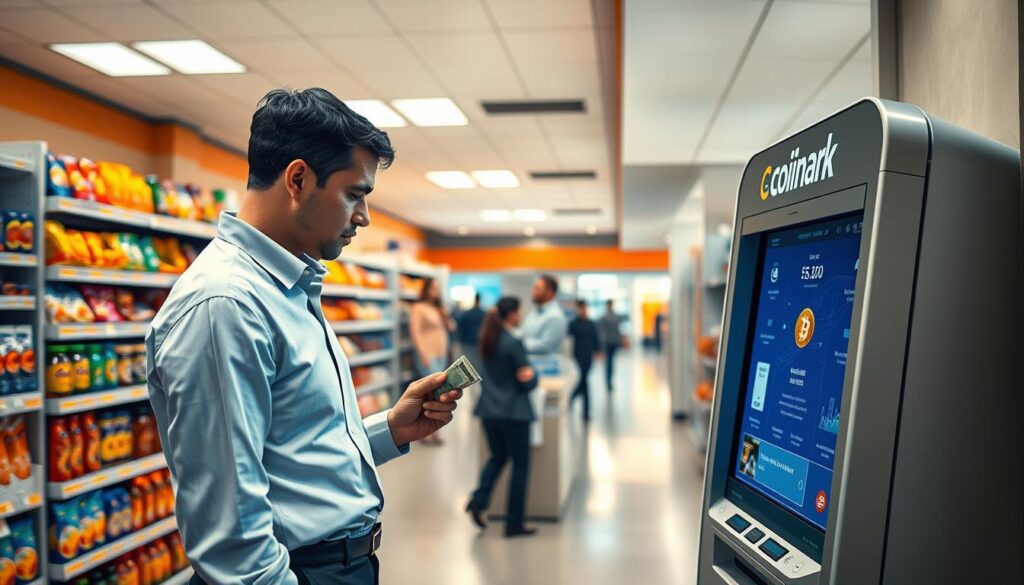
Buying Bitcoin with cash at the ATM
I guide you step-by-step through the buy flow. I show when to read the rate quote, confirm amounts, and insert cash.
Pause before final confirm: this is where most mistakes happen. I help you slow down and check totals.
Sending to the right wallet address and avoiding common errors
I double-check the wallet format and scan QR codes cleanly. I warn about copying an address from the wrong network.
Tip: I ask you to confirm the first and last characters of the address before sending.
Understanding limits, account steps, and daily transaction rules
I explain what limits mean and why an account step (phone or code) can appear for larger buys.
I also clarify daily rules so you know whether to try a smaller amount or wait until tomorrow.
What to do if your transaction is pending or delayed
I describe the difference between sent, broadcast, and confirmed so you can track progress on-chain.
If a delay occurs, I show how to use the receipt and on-screen ID to follow up with the operator.
Receipts, confirmations, and what “completed” means on-chain
Receipts give you a transaction ID. I explain how a transfer shows as completed once it has confirmations on the network.
| Issue | What I check | Next step |
|---|---|---|
| Wrong address type | Network prefix and length | Rescan QR or re-enter address |
| Limit reached | Daily and per-transaction caps | Try smaller amount or return next day |
| Pending transaction | Broadcast status and confirmations | Wait, or use TXID to track on explorer |
What to Bring and What to Expect When You Buy Bitcoin at the ATM
Before you go, I give a quick checklist so the process is smooth and fast. Bring the right items and know the basic steps so you won’t be surprised by pauses or prompts.
Cash-only expectations and planning your deposit amount
Most machines take cash only, so plan to bring enough for the purchase plus fees you see on-screen.
I recommend starting with a smaller amount if this is your first time. You can increase later once you know the flow and timing.
Wallet readiness: using a wallet app before you arrive
Install a trusted wallet app and create your account ahead of time. Make sure you can show your receiving QR code quickly when prompted.
Also confirm the correct network for receiving funds. A mismatch can delay a Bitcoin transfer, so double-check the address format first.
“Don’t rush the final screen—capture the receipt or reference before you leave.”
- Scan wallet QR, insert cash, confirm details, then wait for the completion screen.
- Keep a photo of the receipt or transaction info to track the transfer if needed.
Nearby Bitcoin ATM Locations in Erie for Backup Options
I put together a short directory of nearby alternatives when you need a backup location right away.
Bitcoin Depot locations across Erie — I list these so you can choose the nearest spot if a machine is busy or offline. Call (678) 435-9604 for issues.
- 4050 Depot Rd; 8180 Perry Hwy; 8035 Perry Hwy
- 4662 W Ridge Rd; 750 Peninsula Dr; 3814 Liberty St
- 3327 Pine Ave; 603 W 26TH St; 1655 W Bayfront Pkwy
- 363 W 4th St; 4307 Buffalo Rd; 3760 W 12th St
- 560 E 21st St; 2617 Peach St; 6400 Peach St; 6005 Knowledge Pkwy
Samir’s Convenience
1010 State St — cash only. Open 6:00 AM–9:00 PM daily, a reliable day option if you need a quick visit.
CoinFlip at Bayfront Convenience Store
556 West 4th Street — open 6:00 AM–10:00 PM. The store offers 24/7 help by phone and email, and notes app sign-up for higher daily limits.
Practical tip: Pick a location based on hours, phone help, and posted daily limits so you don’t waste time. If your first attempt fails, move to the next nearby atm and try again.
Common Support Topics I Handle for Erie ATM Customers
When a session goes sideways, I walk you through clear steps to get back on track. I keep instructions simple so you can finish a visit at the store without stress.
Wrong address, wrong network, or wallet compatibility issues
I verify the wallet type and the network before any funds move. I ask you to show the first and last characters of the address and confirm the network label.
Tip: If the address format looks off, we rescan the QR or paste a freshly copied address to avoid sending to the wrong chain.
Cash insertion problems and restart steps
I coach you on bill acceptance—flat, unfolded notes and one at a time when needed. If the machine pauses or rejects cash, I tell you when to retry and when to cancel.
If the kiosk freezes, I guide a safe restart and show which reference numbers to capture so an operator can locate your session if needed.
Verification checks, price quotes, fees, and limits
Verification prompts often tie to transaction size or account status. I explain why an ID or phone step can appear and how to proceed.
I also break down the quote window and fees. If market moves or a quote times out, the total can change during a session.
For higher-limit needs, I explain account review paths and when switching to another nearby machine or store is faster.
| Issue | Quick fix | When to escalate |
|---|---|---|
| Wrong network or address | Rescan QR; confirm prefixes | If funds sent, use TXID to trace |
| Cash rejection | Try flat bill; one at a time | If repeated, move to another atm |
| Verification prompt | Provide requested ID or follow on-screen steps | Contact operator for account review |
Conclusion
To finish, I outline the simplest path to arrive prepared, complete the purchase, and verify the result.
Confirm the Coinark Bitcoin ATM at 3108 W Lake Rd, Erie, PA 16505 and check the map pin: https://g.page/r/CZfZxxySCpzYEBM/. Bring cash and a ready wallet, then take your time on the final confirmation screen.
I walk you through finding the right atm, completing each step, and understanding what happens after you leave. If the first machine is busy or offline, use the nearby atms list so you can still finish the same day.
Action: tap the Google Maps link, follow the section steps above, and you’ll reduce delays and avoid common mistakes.