
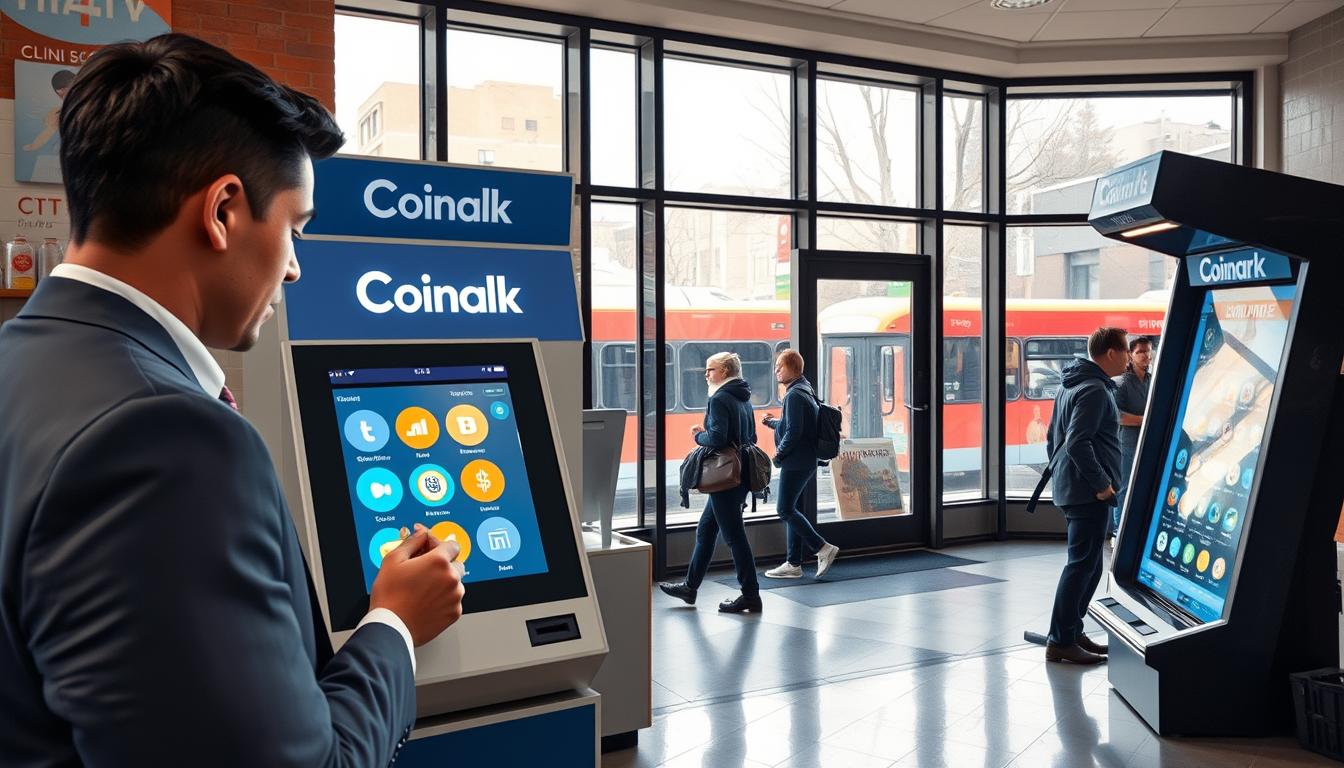
I run a Coinark crypto kiosk at 3108 W Lake Rd, Erie, PA 16505, and I built it for riders who want a quick, local option. If you are on the bus and need a bitcoin ATM, my spot is an easy stop that does not require a long detour.
My goal is simple: help you find me fast, confirm the address, and know what to bring before you step up to the machine. I list clear steps so you can go from “on the bus” to “ready to transact” in minutes.
I know the city has many kiosks and ATMs branded by several providers. Still, I position my location as the convenient starting point for quick, in-person crypto needs and short waits.
Coming next: I’ll share my exact location details, services offered, step-by-step buying guidance, fees and limits, backup locations, and practical tips to avoid mistakes.
Key Takeaways
- Coinark kiosk at 3108 W Lake Rd is easy for riders.
- Find the address and confirm details before arriving.
- Quick, in-person flow for first-time and repeat users.
- Clear steps to buy bitcoin with minimal friction.
- Next sections cover fees, limits, and backup locations.
Find me at Coinark Bitcoin ATM near EMTA Stop Erie, PA
I located the Coinark kiosk to make short errands simple for riders with tight schedules. It sits inside a convenient retail spot so you can handle a quick purchase without a long detour.
Address
Coinark Bitcoin ATM, 3108 W Lake Rd, Erie, PA 16505
Map link for directions
https://g.page/r/CZfZxxySCpzYEBM/
Why this spot works for bus riders and quick stops
Short walk, clear signage, and fast on-screen prompts make this location ideal.
- I list the exact address so you can copy/paste it into your navigation without confusion.
- I include the direct map link so you can get turn-by-turn directions immediately.
- Look for the Coinark-branded kiosk inside the store so you can spot the bitcoin ATM quickly.
Before you walk up, have your wallet app open, know which coin you want, and plan to use cash. The on-screen prompts guide you through the flow, which is perfect when you only have a few minutes.
“Quick stops should be simple and predictable — that’s what I built this location to deliver.”
What I can help you do at my crypto kiosk
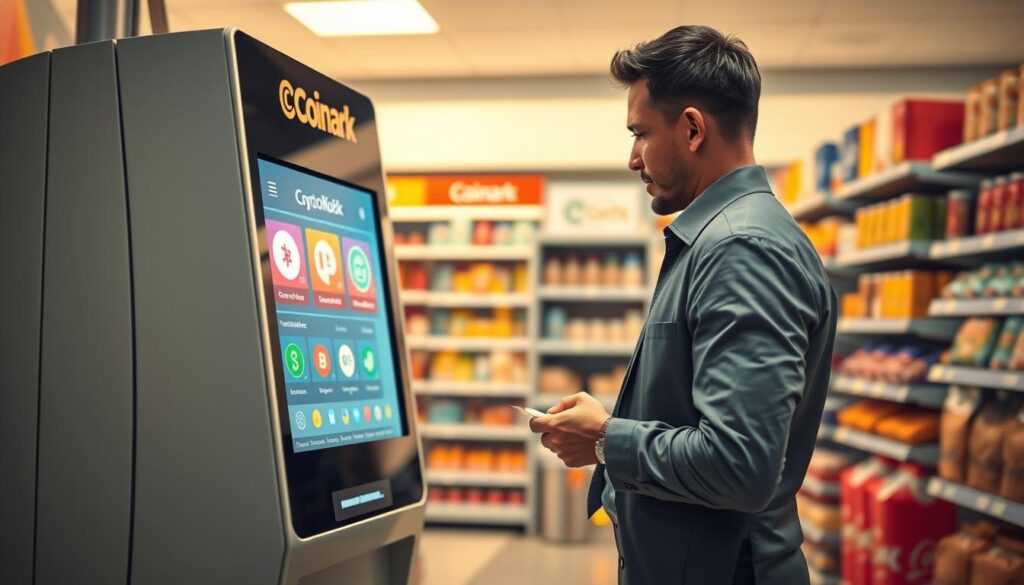
Quick, clear, and in-person transactions. My machine is set up to turn cash into digital coins and send them straight to your wallet. The process is designed for short visits and simple steps.
Buy bitcoin with cash at the ATM
You can buy bitcoin with cash at my ATM-style kiosk and have the funds sent to your digital wallet once the on-screen flow finishes.
Sell crypto for cash where available
I also support selling for cash on some machines. Availability changes by provider and configuration, so please check the on-screen options before assuming sell functionality is active.
Supported crypto and network availability
Different kiosks support different assets and networks. Always confirm the exact coin and network listed on-screen before you start a purchase.
- Core use: convert cash into crypto and send it to your wallet address.
- Sell option: cash payouts may be offered depending on machine settings.
- Tip: choose the exact asset shown (for example, bitcoin cash if listed) to avoid sending to the wrong address.
“An in-person kiosk is a practical option when you need a fast purchase without online approvals.”
How to buy crypto at the ATM from start to finish
I’ll outline the typical on-screen flow so you can complete a purchase quickly and confidently.
Create or open your crypto wallet before you arrive
Have your wallet ready. Open the app, verify you can show a QR code, and copy your address so you don’t fumble at the machine.
Enter your phone number and required details at the kiosk
The kiosk will ask for a phone number and basic info. Bring your phone to receive texts or verification codes during the flow.
Set a PIN or verification code to secure your transaction
Pick a 4-digit PIN when prompted. This locks your account activity for this session and helps protect the purchase.
Scan your wallet QR code or paste your wallet address carefully
Scan the QR or paste the address manually. One wrong character can send funds to the wrong place.
Insert cash, confirm the purchase, and keep your receipt
Feed cash, confirm the final screen, and choose print or email for a receipt. Keep that receipt if the transaction is delayed.
When to expect delivery and what affects timing
Crypto often arrives shortly, but network confirmations, congestion, or provider processing can slow it. Check your wallet and contact support with your receipt if needed.
“A clear wallet and a calm, step-by-step approach make the whole purchase faster and safer.”
Transaction limits, fees, and what to bring
I set clear expectations for limits and fees so you can plan your stop without surprises.
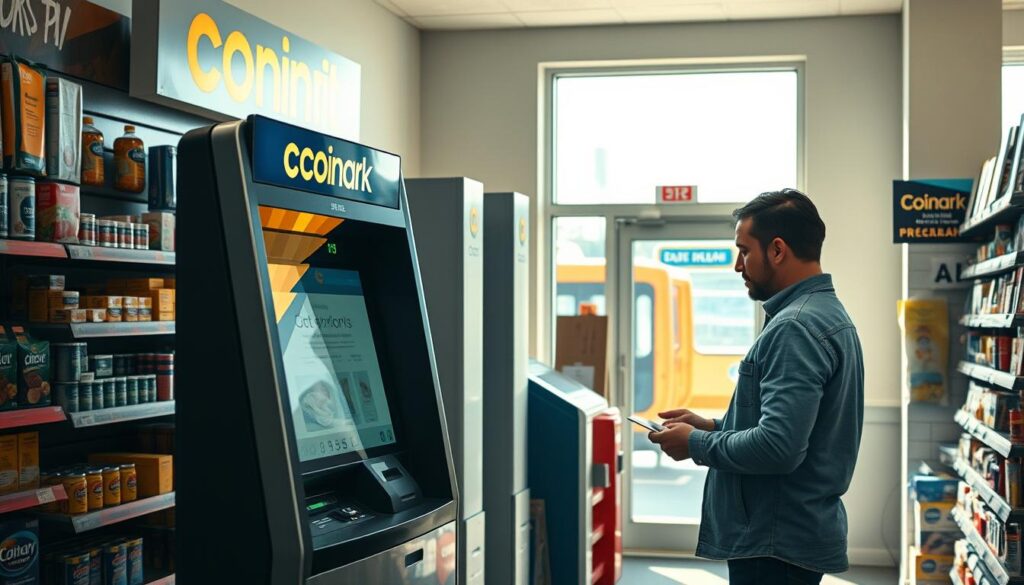
Typical minimums and daily caps vary by provider and compliance rules. Many machines list a $20 minimum and up to $25,000 daily per customer. The exact limits can change, so check the on-screen notice before you start.
Why most kiosks are cash-first
Many locations operate as cash-only. Cash simplifies compliance and speeds up the flow. Bring the exact amount you want to convert and avoid assuming cards or other payment methods will work.
Fees and exchange rate basics
The kiosk always shows fees and the exchange rate before you confirm. Read the on-screen total. That preview lets you approve the full cost of the transaction before any money moves.
What I recommend bringing
- Your phone unlocked and ready to receive codes tied to your phone number.
- Your wallet app open with the correct address QR visible so you can buy bitcoin quickly.
- ID if prompted by verification steps.
“Confirm the asset name on-screen—sometimes people say bitcoin cash to mean cash purchases, but always verify the exact coin.”
| Item | Typical value | Why it matters | Action |
|---|---|---|---|
| Minimum | $20 | Most providers set a floor to transactions | Bring at least $20 |
| Daily max | $25,000 | Compliance caps vary by customer | Plan large purchases across days if needed |
| Payment | Cash (common) | Simpler and faster processing | Bring cash; don’t assume alternatives |
| Verification | Phone number / ID | Used for receipts and security | Have phone and ID ready |
Other Bitcoin ATM locations in Erie, PA if you need a backup
I keep a shortlist of other local locations that offer quick, cash-based crypto services. These alternatives help when my kiosk is busy or closed.
Examples from public listings
Public listings show multiple Bitcoin Depot ATMs across the city. Addresses include 3760 W 12th St, 4662 W Ridge Rd, 2617 Peach St, and 6400 Peach St.
GetGo example
GetGo — 4307 Buffalo Rd, Erie, PA 16510 is listed open daily from 6:00 a.m. to 10:00 p.m. That makes it a good late option if you need extended hours.
Convenience-store example
Samir’s Convenience — 1010 State St, Erie, PA 16501 is typically cash-only and open about 6:00 a.m. to 9:00 p.m. It’s handy for early morning stops.
How I pick the best alternative
I compare hours, distance from your route, and whether the store accepts cash. Those factors decide which location I suggest when you need a quick, reliable option.
“I recommend choosing a nearby location with the hours you need and a cash-friendly store layout.”
| Location | Type | Hours | Why choose |
|---|---|---|---|
| 4307 Buffalo Rd | GetGo / Bitcoin Depot | 6:00 a.m. – 10:00 p.m. | Later hours for evening trips |
| 1010 State St | Convenience store | 6:00 a.m. – 9:00 p.m. | Cash-only, early starts |
| 3760 W 12th St | Retail outlet | Varies | Multiple city options for shorter detours |
Tips to avoid mistakes with wallets, accounts, and receipts
Before you tap confirm, a few quick checks will save you time and headaches down the road.
Match the coin to the correct wallet address and network every time. Sending the wrong asset to the wrong network is a common error that can cost you funds.
Double-check QR codes and address characters
I always preview the QR scan and read the first and last characters of the address shown on my phone. That extra glance catches typos or mismatched addresses before I approve the transaction.
Use a private connection and shield your PIN/code
When I buy at the ATM, I use my own data or a trusted hotspot. I cover the keypad while I enter any PIN or verification code so people nearby can’t see it.
Save receipts for tracking and support
Keep the printed or emailed receipt. Support teams usually ask for that receipt if a transaction is delayed. I also note the time and the last four digits of my account on the receipt for quick reference.
- Match coin and network to your wallet address.
- Preview QR and verify address characters.
- Use private connection and hide PIN entry.
- Save receipts and note time/account details.
“A few simple checks before you confirm will protect your funds and speed up support if something goes wrong.”
| Check | Why it matters | My quick step | Outcome |
|---|---|---|---|
| Coin & network | Wrong network can lose funds | Confirm asset name on-screen | Funds sent correctly |
| QR/address | Typos send to wrong wallet | Read first/last chars | Reduced errors |
| Connection & PIN | Public Wi‑Fi and exposed PIN risk theft | Use private data, shield keypad | Safer account activity |
| Receipt | Needed for tracing delayed transfers | Keep printed or emailed copy | Faster support resolution |
Conclusion
Use the map link and head straight to Coinark Bitcoin ATM at 3108 W Lake Rd, Erie, PA 16505 — that is the fastest way to finish a quick, in-person transaction.
I offer a simple flow: convert cash to crypto at my kiosk and follow the on-screen prompts to send funds to your wallet safely.
Plan ahead: know your limits, have your phone and wallet app ready, and review fees and the exchange rate before you confirm at the atm.
If my hours don’t fit your schedule, the city has several backup locations listed so you can find nearby bitcoin ATM options that suit your timing.
Next step: check your wallet details, keep your receipt, and use this map link to get started — https://g.page/r/CZfZxxySCpzYEBM/.