
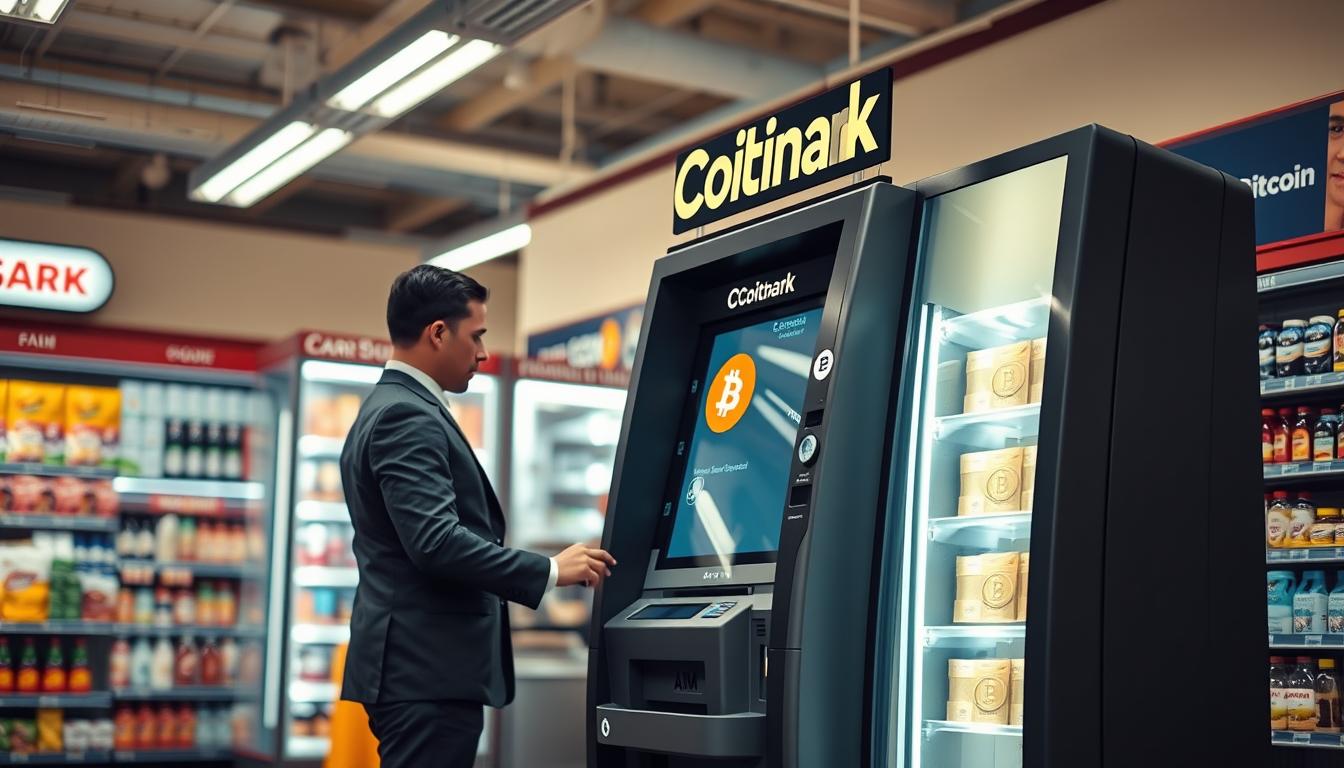
I’m here to help you navigate a simple local path to digital assets. I guide you step by step at the known financial spot, 1010 State St, Erie, PA 16501. My aim is to keep the process clear and secure.
I explain how a nearby atm can let you use physical cash to access digital markets. You will learn what to expect at a kiosk and how to prepare your wallet before you go.
Many locals trust the 1010 State St location to handle routine financial tasks with ease. I focus on finding a reliable bitcoin atm erie service so your first purchase is smooth and fast.
My goal is to give you a straightforward route to acquire digital currency while keeping local service standards high and your experience confident.
Key Takeaways
- I offer clear, step-by-step guidance at 1010 State St.
- You can use a local atm to buy with cash.
- Preparation makes kiosk visits quick and safe.
- Choosing a trusted provider eases your entry.
- I aim to make the process simple and confident.
Why Choose a Bitcoin ATM for Self-Custody Erie, PA
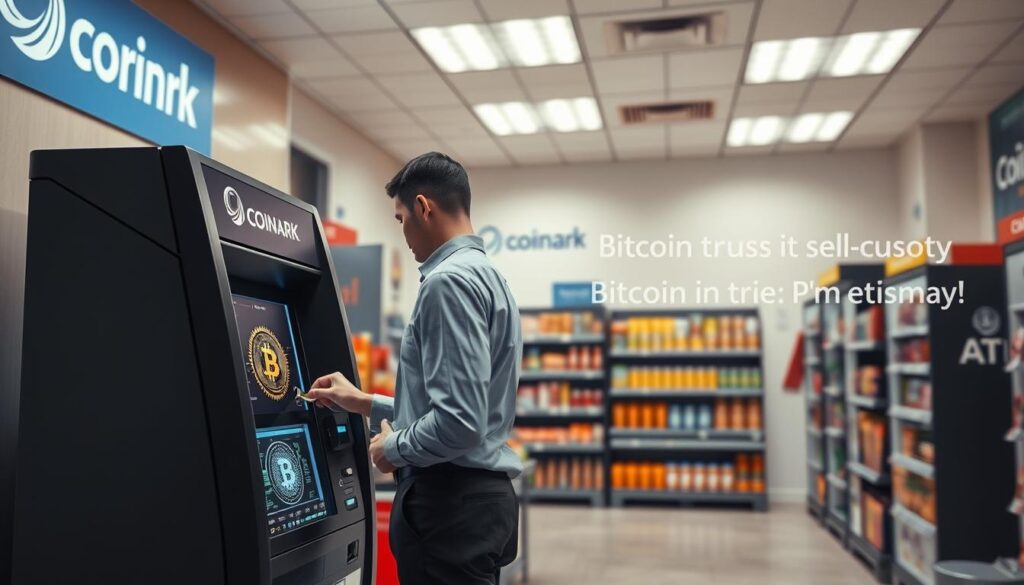
Using a neighborhood kiosk puts your private keys and holdings squarely in your hands. I guide you to keep control while making a local purchase. This method helps you avoid third-party platforms that often store assets on their servers.
Self-custody means you alone hold the access codes and the responsibility for safety. I design each transaction so you leave with direct ownership and clear steps to secure your wallet.
Benefits I focus on:
- Immediate control of private keys and funds.
- No reliance on exchanges to hold your assets.
- Simple local access that supports privacy and security.
| Feature | Local Kiosk | Third-Party Exchange |
|---|---|---|
| Control | User-held keys | Exchange-held keys |
| Privacy | Higher | Lower |
| Speed | Fast local setup | May require verification |
Visit My Coinark Location on West Lake Road
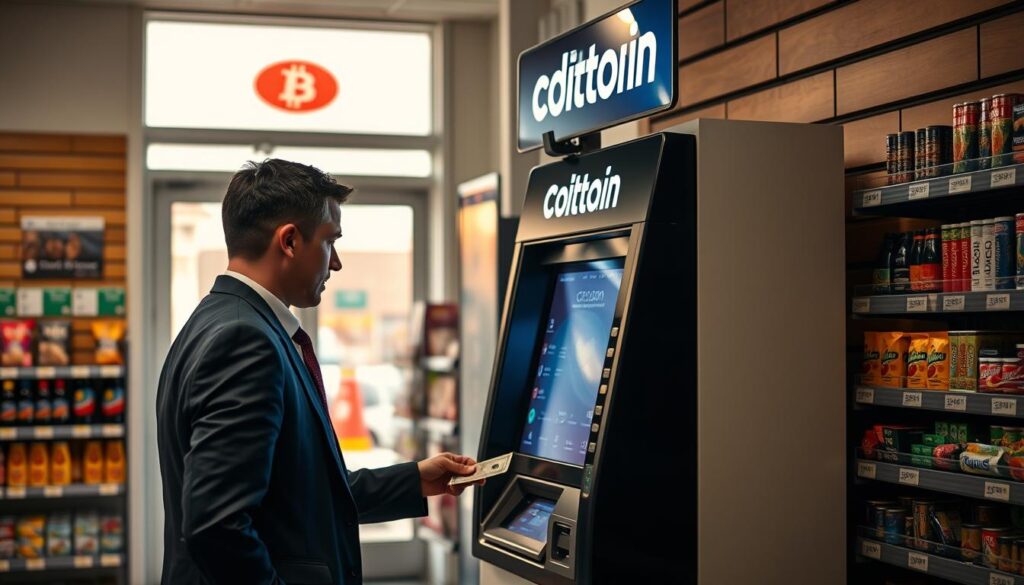
I welcome you to my Coinark spot at 3108 W Lake Rd, Erie, PA 16505. This location is my main site and it is set up to make purchases quick and clear.
Getting directions
Getting Directions
Use this link to get precise driving directions: https://g.page/r/CZfZxxySCpzYEBM/. It sends you straight to the store so you arrive without delays.
Store accessibility
Store Accessibility
My site accepts cash and is maintained so customers feel safe during each visit. I keep the atm well serviced and ready at all times.
I also list nearby locations for convenience: 556 West 4th Street, 4050 Depot Rd, and 1655 W Bayfront Pkwy. Each spot helps residents reach a nearby option when they need one.
| Feature | West Lake Rd | Other Local Sites |
|---|---|---|
| Primary address | 3108 W Lake Rd, 16505 | 556 W 4th St / 4050 Depot Rd / 1655 W Bayfront Pkwy |
| Payment method | Cash | Cash options at select stores |
| Support | On-site assistance and code help | Varies by location |
Preparing Your Digital Wallet for Transactions
I recommend setting up your crypto wallet ahead of time so your visit to the kiosk is fast and stress-free. A quick setup saves time and reduces errors when you make a purchase.
Setting Up Your Personal Wallet
Download the CoinFlip Crypto Wallet and create your wallet before you arrive. This gives you a secure place to store your cryptocurrency and a unique QR code the machine will scan.
Make an account inside the app first. That step gets your details ready and cuts minutes off the process at the machine.
- Install the wallet app and follow the in-app setup.
- Generate and save your recovery phrase, then create the QR code the kiosk reads.
- Confirm your account so the scanner can accept the code for the transfer.
Every transaction is recorded on the blockchain, providing a verifiable history of your purchases. By preparing in advance, you can often finish a purchase in less than a day and return to your other priorities quickly.
| Step | Why it matters | Time |
|---|---|---|
| Download app | Secure storage | 5–10 min |
| Create account | Faster transactions | 5 min |
| Generate QR code | Machine-ready transfer | 2–3 min |
Understanding Daily Limits and Security Protocols
Before you visit a store, understand the daily thresholds that control transactions at each location I operate.
It is important to know that there are daily limits on how much cash you can process at any given atm location in the area. At a CoinFlip bitcoin atm, you can transact up to $15,000 per day, though exact limits may vary by store.
I use strict security protocols to protect my customers. I verify account details during every single bitcoin atm transaction you initiate.
When you plan to reach the maximum daily limit, please be prepared to provide identification. This helps me keep your financial data private and prevents unauthorized access.
- Daily limits vary by location and store policy.
- Prepare ID if you intend to process large cash sums in one day.
- Account verification happens on each transaction to protect users.
| Item | Standard Policy | Customer Action |
|---|---|---|
| Daily limits | Up to $15,000 per day (may vary) | Check specific location limits before you go |
| Verification | Account details verified on each transaction | Have ID and account info ready |
| Security | Strict data protection across locations | Follow on-site instructions and keep receipts |
Conclusion
I want to leave you with clear steps to make your local crypto purchases safe and simple. I hope this guide helped you understand how to use a local bitcoin atm to secure your digital assets with confidence.
Whether you bring cash or use a digital wallet, I design each visit so the transaction is quick and secure. I stay available to answer questions and guide you through any part of the process.
My main location and nearby locations support easy access. If you need a reliable bitcoin atm erie or help finding the best location, I will assist you personally.
Thank you for trusting my services. I look forward to helping you navigate this evolving space and to support your next visit to a local atm.