
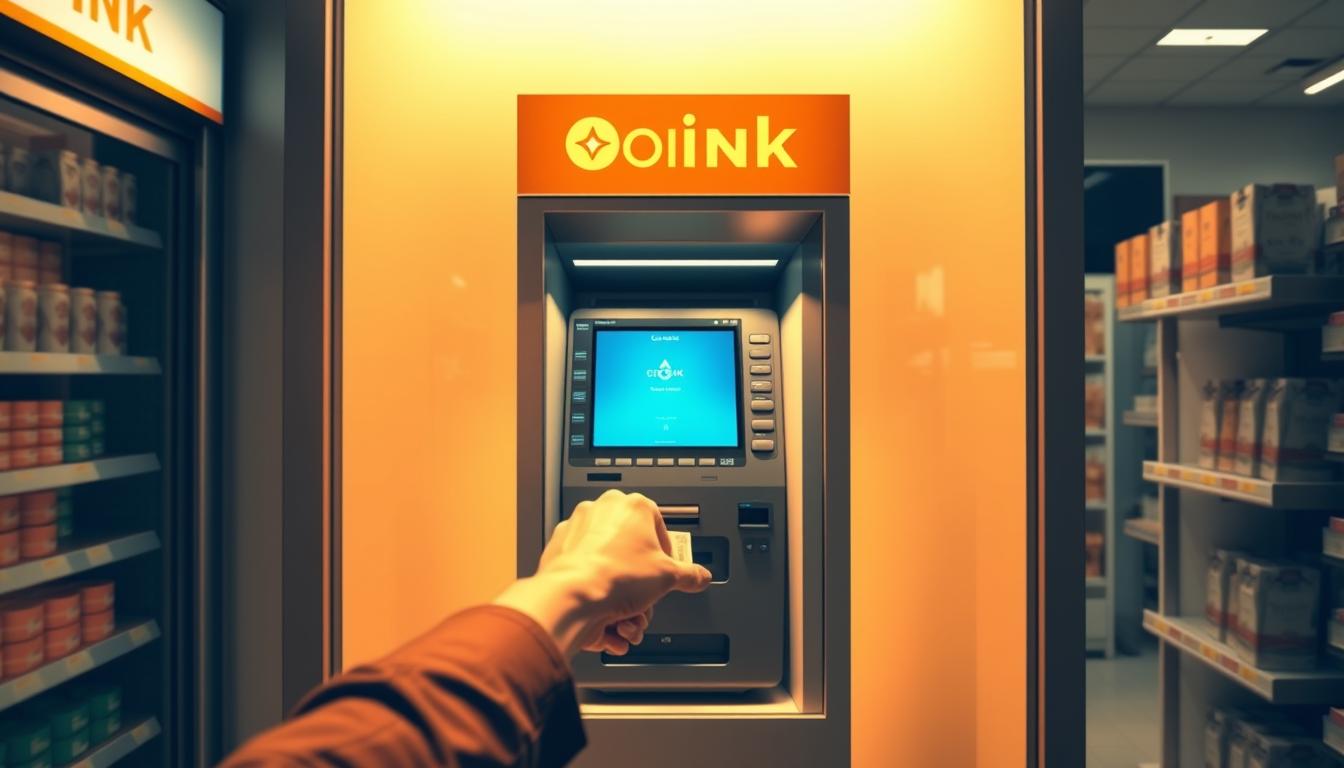
Have you ever wondered how I can walk up to a bitcoin atm, scan my wallet, and see funds land in minutes?
I’ll show what I do at a local machine today, why speed and control matter, and what fees I should expect. I explain clear pricing and how a small network fee covers on-chain processing.
Quick fact: Coinark Bitcoin ATM is at 3108 W Lake Rd, Erie, PA 16505, and I can grab directions before I leave.
I cover how I prepare my non-custodial wallet, when ID may be required, and how to compare rates so my purchase fits my budget. I also note promos—signing up for the newsletter can cut the first transaction fee by 20%.
Key Takeaways
- I can buy Bitcoin at a local bitcoin atm without long accounts for small amounts.
- Fees show as a markup (about 8%–24%) plus a $2.49–$2.99 network charge.
- Bring my wallet QR; funds land in my wallet on-chain for full control.
- Compare nearby locations and rates to get the best time to purchase.
- Watch for ID rules on larger buys and current promos to save on fees.
What I mean by Blockchain ATM features in Erie, PA
I walk up to a local kiosk and expect a fast, clear purchase flow that sends crypto to my wallet right away. These features are the real-world steps and options that make a visit simple and predictable.
How it usually works: I can start with a phone number for small buys and complete a quick account check at the kiosk with my ID for higher limits. Many machines accept cash only, so I plan the amount I’ll bring.
- I confirm a transparent rate (markup over market) plus a network fee and then scan my wallet QR to avoid typos.
- After I confirm, the machine broadcasts the cryptocurrency and sends bitcoin to my address almost instantly; final confirmations depend on mempool activity.
- Local examples set expectations: Coinark Bitcoin ATM at 3108 W Lake Rd, Erie, PA 16505 has posted hours and directions at https://g.page/r/CZfZxxySCpzYEBM/ for quick planning.
My goal is a smooth first purchase with clear steps, visible fees, and support if I need help during the visit.
Blockchain Technology in ATMs, Erie, PA
My priority at a kiosk is knowing the rate, the network charge, and how much I can buy that day.
Transparent fees: Each Bitcoin atm quotes a live rate that adds a markup over the market. Typical markups range from 8% to 24%, so I can see the full cost before I confirm to buy Bitcoin.
Network fees: there is a separate on-chain send charge, usually $2.49–$2.99. That fee covers blockchain processing and appears as an added line on the screen.
Limits and verification: many machines let me start with no prior account for small buys. Quick buys often cap near $2,000 with phone verification; ID checks raise daily caps up to $25,000.
Instant sends & wallet readiness: after I confirm, the kiosk broadcasts the transaction, and my Bitcoin usually lands in my wallet within minutes. I use a non-custodial wallet and scan its QR to avoid address errors.
- I keep my phone brightness high and the wallet QR ready.
- I check support options (phone/text/email) if a receipt or a resend is needed.
- I compare nearby locations and hours so I can pick the best time to visit.
Tip: signing up for the newsletter or socials can cut the first transaction fee by about 20% at participating machines.
Featured location: Coinark Bitcoin ATM at 3108 W Lake Rd, Erie, PA 16505
My visit to this Coinark location is planned like any quick errand. I check hours and confirm the exact address so I can find Bitcoin fast and avoid circling the block.
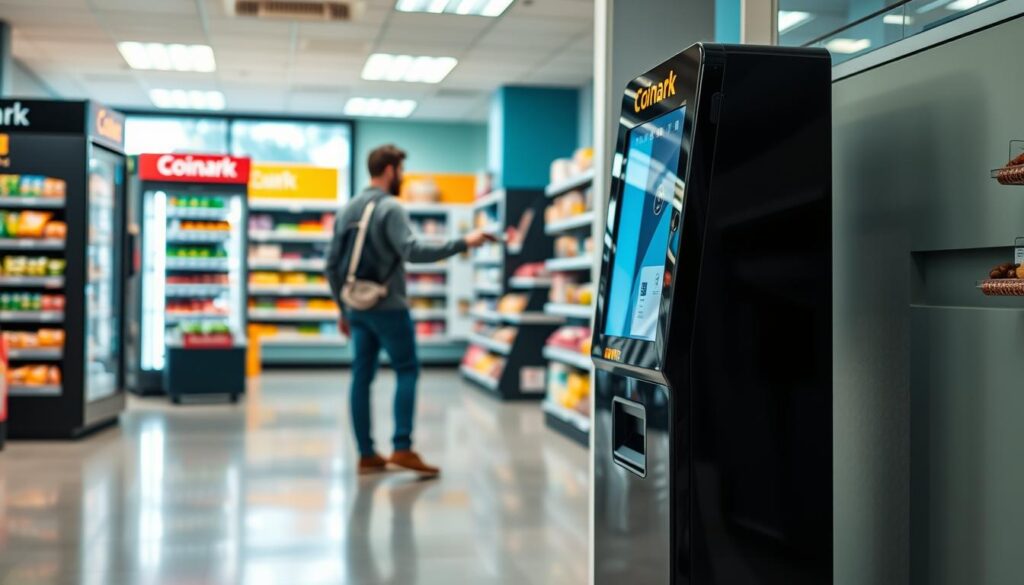
Address and directions
Coinark Bitcoin ATM, 3108 W Lake Rd, Erie, PA 16505. Use this link for simple directions: https://g.page/r/CZfZxxySCpzYEBM/.
Parking and accessibility considerations for quick visits
I treat the stop like any quick store run. I look for nearby parking, good lighting, and clear signage so I can get to the kiosk fast.
I bring the cash I plan to use and keep my wallet QR ready on my phone to speed the transaction.
Support options when I need help at the kiosk
Hours and support vary by location. If I need assistance, I pause and call or text the support listed at the site rather than guessing through a step.
- I use the directions link before I drive to confirm the entrance.
- I pick off-peak times to shorten waits and move through prompts quickly.
- I bring a target amount so the session is fast and error-free.
How I use a Bitcoin ATM step by step
Before I step up to the machine, I make sure my wallet and cash are ready to go.
Before I go
I open my non-custodial wallet and bring up a bright receive QR. I count the cash I’ll use and add a little extra for fees.
At the machine
I select to buy Bitcoin on the screen and follow simple prompts. For small buys, I enter a phone number (usually up to $2,000). For larger amount,s the kiosk asks for an ID scan.
- Verify rate: check the markup and the separate network fee before confirming.
- Scan QR: confirm the on-screen address matches your wallet.
- Insert cash, then finalize so the machine can broadcast the transaction.
Completing the purchase and checking the send
The kiosk sends the bitcoin and usually I see the funds arrive within minutes. I save the receipt and note the TXID if provided.
“I always keep support info from the kiosk handy in case a TXID or receipt needs checking.”
| Step | What I check | Typical note |
|---|---|---|
| Prep | Wallet QR, counted cash | Phone ready |
| Verification | Phone, SMS, or ID scan | Limits change with verification |
| Complete | Confirm total, receive TXID | Funds land on-chain |
Erie, PA crypto ATM landscape at a glance
When I scout nearby machines, I focus on hours, parking, and how fast funds land in my wallet.
What I see across town: several Bitcoin ATMs sit in neighborhood stores and are usually cash-only. That makes visits quick and familiar, like running a small errand.
Cash-only acceptance and instant wallet delivery
Most kiosks accept cash and send cryptocurrency straight to my non-custodial wallet after I confirm. That instant delivery is great when I want Bitcoin on my phone fast.
Hours and limits can vary by location
For example, a downtown kiosk at 1010 State St posts daily hours from 6:00 AM–9:00 PM. It is cash-only and supports instant wallet delivery.
- Limits: up to $2,000 with phone verification; up to $25,000 with ID at the machine.
- Support: text/call (702) 900-2037 or email [email protected] for help.
- Parking: nearby spots make a quick stop easier during errands.
My checklist before I leave: confirm the store hours, compare fees and promos, and save support contacts. I also pick off-peak times to avoid lines and keep my wallet updated so the scanner works right away.
“I treat each kiosk’s posted details as the source of truth, since operators may change hours or limits.”
Fees, limits, and verification explained clearly
I want a quick snapshot of fees, tiers, and verification so I can plan the exact cash I’ll bring.
Markup and network costs: most kiosks add a markup over market that usually runs from 8% to 24%. A separate network fee of about $2.49–$2.99 also appears on the final screen. I check both lines before I confirm a buy bitcoin transaction so there are no surprises.
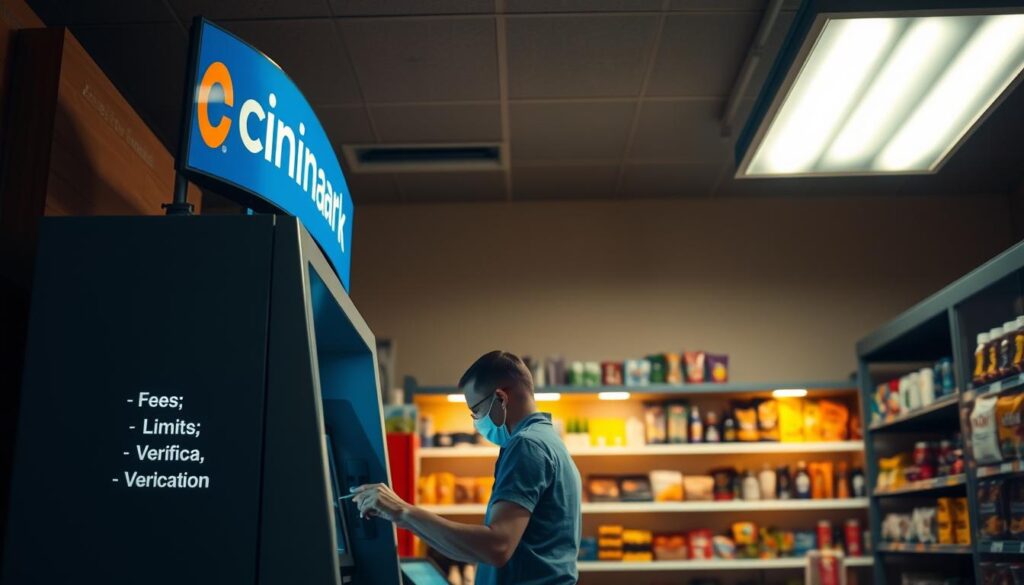
Average fee ranges and how promos reduce first-time costs
I use first-time promos to lower fees. Signing up for a newsletter often cuts the initial charge by about 20%.
I also watch social channels for occasional discounts I can stack on a future purchase.
Tiered limits: quick buys vs. higher daily caps with verification
Quick buys usually let me add a phone number and buy up to $2,000 per day. If I need more, the kiosk can scan an ID to raise the cap to about $25,000 per day.
I treat verification as a one-time step that takes a few minutes at the machine and saves time later by linking my account for higher limits.
- Keep it simple: markup + network fee = total cost.
- Bring cash: withdraw bills to match your intended purchase.
- Save receipts: contact support by text, call, or email if a receipt or TXID is missing.
“I check the final confirmation screen to see the exact fee, the network fee, and the total bitcoin I’ll receive.”
Staying compliant and safe when I buy crypto
I always scan the posted compliance numbers and stay alert to anyone asking for unusual payment steps. Operators often publish Responsible Marketing and scam notices at kiosk locations so I can read them before I start.
KYC and ID checks: why they matter
KYC steps at the atm help protect users and enable higher limits. I treat an ID scan as a normal part of larger purchases because it also gives me a path to recover transaction details if needed.
Spotting scams and using trusted wallets
I only send funds to my own trusted wallet and never follow instructions from a caller who asks me to pay fees or resolve a bank issue. I read the kiosk’s scam warnings and pause if anyone pressures me.
- I pick locations that publish MSB or NMLS numbers and clear support contacts.
- I verify the destination address on-screen before finalizing to avoid clipboard or app fraud.
- I keep my seed phrase private, secure my phone with biometrics, and save receipts and TXIDs for proof.
“Legitimate support will never ask for your seed phrase.”
Smart tips to save time and money at Erie ATMs
A little prep before I go saves me time and usually lowers the fee I pay. These small steps make my visit predictable and fast.
Sign up and follow socials for transaction fee discounts
I signed up for the promo newsletter to get a 20% discount on my first transaction fee. I also follow Facebook, Instagram, X, and Reddit for limited-time promos and updates.
Plan my visit: choose cash, confirm hours, bring the right wallet
I map directions to the exact entrance so I don’t waste time hunting for the kiosk. Most locations are cash-only, so I bring the right bills and a little extra for the network fee.
I open my wallet app and show the receive QR so the scanner reads it at once. I pick off-peak hours (many post 6:00 AM–9:00 PM daily) to avoid lines.
- I compare the quote and network fee; if another bitcoin atm has a better rate, I switch.
- I pack a power bank so my phone doesn’t die mid-transaction.
- I save support contacts and receipts to resolve missing TXID or receipt issues fast.
- I check whether the location lets me sell Bitcoin later if I might need that option.
“Signing up and arriving prepared turns a rushed stop into a quick, low-cost visit.”
| Tip | Why it helps | What I do |
|---|---|---|
| Newsletter | First-time fee discount | Sign up before I go |
| Map directions | Save time finding the entrance | Use the directions link on my phone |
| Cash & QR ready | Faster scans and exact payment | Bring the correct bills and open the receive QR |
| Support saved | Quick help if TXID is missing | Store phone/email in contacts |
Conclusion
When I finish a kiosk visit, I want a clear receipt, a working TXID, and my wallet showing the new balance. I scan the QR, insert cash, confirm the total (markup plus a $2.49–$2.99 network fee), and the send usually lands within minutes.
Remember: hours and limits vary by location, and many kiosks are cash-only. I keep my account verification ready for higher daily caps and use promos to lower first-time costs when I buy bitcoin or sell bitcoin later.
I store support contacts and receipts, verify addresses, and never share my seed phrase. When it fits my schedule, I choose the Coinark Bitcoin ATM at 3108 W Lake Rd; use this link for directions: https://g.page/r/CZfZxxySCpzYEBM/.