
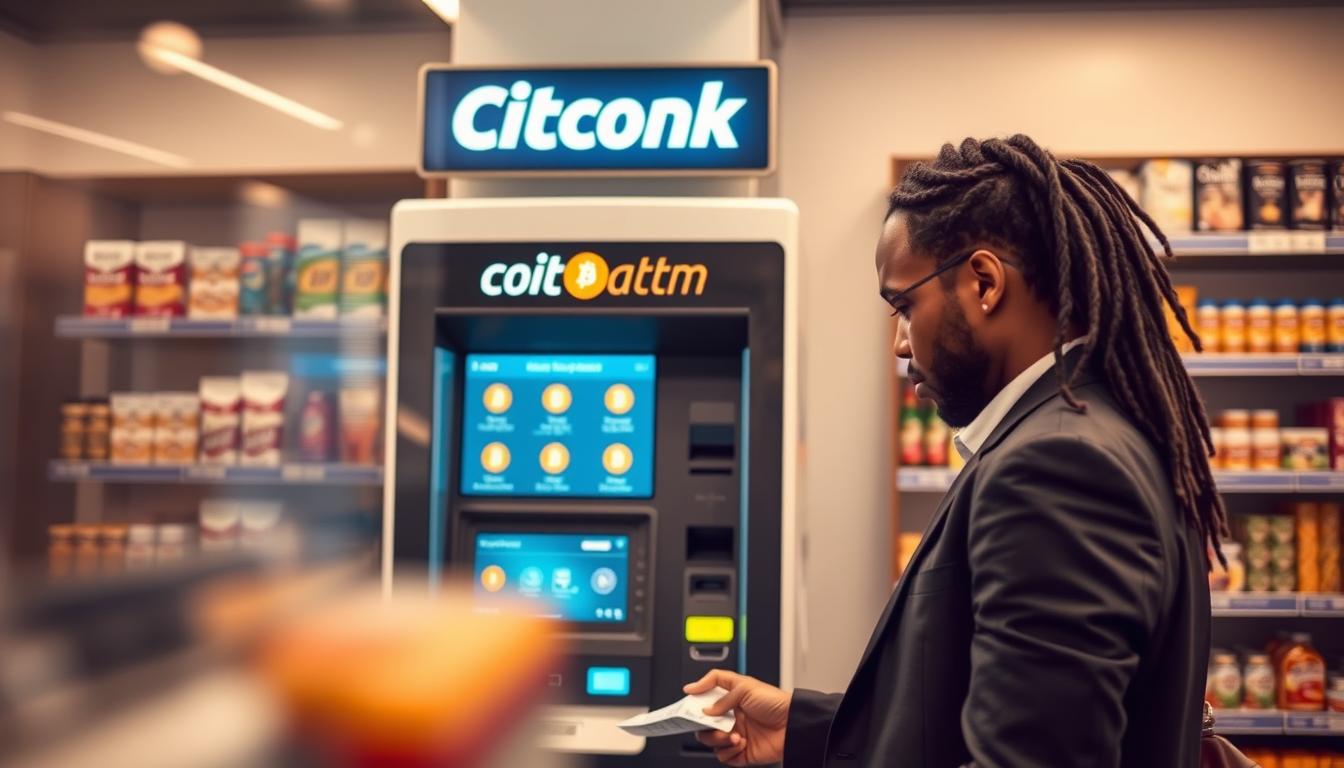
I made this quick guide to help you find a Coinark Bitcoin ATM near Frontier Park. I focus on fast, in-person buys and plain steps so you can act now.
I’ll start with my top pick: Coinark Bitcoin ATM at 3108 W Lake Rd, Erie, PA 16505. Use this if you want a clear, nearby spot with simple on-screen prompts and reliable cash service. I include the map link: https://g.page/r/CZfZxxySCpzYEBM/.
I keep this page service-directory style. That means short, scannable sections on where to go, what to bring, and how the on-screen flow works. I’ll also list backup locations around town when I need alternatives.
Expect practical notes on fees, limits, availability, and the wallet steps. My aim is to help you decide fast and buy with confidence.
Key Takeaways
- I present a clear, location-forward guide for quick, in-person buying.
- Top pick: Coinark at 3108 W Lake Rd with map link provided.
- I cover how to pay with cash and send to your wallet.
- Short notes on fees, limits, and availability to decide fast.
- The layout is easy to scan when you’re ready to transact now.
Coinark Bitcoin ATM near Frontier Park: my go-to spot in Erie, PA
For simple wallet transfers and minimal fuss, I use the Coinark machine on W Lake Rd.
Address: 3108 W Lake Rd, Erie, PA 16505
Map link for directions: https://g.page/r/CZfZxxySCpzYEBM/
I pick this bitcoin ATM because it feels like a regular store stop. The kiosk has clear prompts and a short on-screen flow. That helps me finish a purchase fast and send crypto to my wallet without guessing steps.
The location is easy to spot when I’m running errands near the Frontier Park area. I can park, walk in, use the kiosk, and leave within minutes. That low-friction pattern is what I value most.
- Easy steps: clear prompts, no hidden menus.
- Reliable cash handling: quick accepts and receipts.
- Store feel: convenient, safe, and familiar.
| Feature | What I Look For | Why it Matters |
|---|---|---|
| On-screen flow | Simple, step-by-step prompts | Reduces mistakes and speeds purchase |
| Store access | Easy entry and parking | Makes the trip feel routine and quick |
| Receipt & support | Clear receipt and help contact | Provides proof and backup if needed |
Bitcoin ATM Frontier Park Area Erie, PA: what I expect when I stop by
When I stop by a local kiosk, I expect a quick, clear process that gets my crypto into my wallet fast.
Buying Bitcoin with cash and sending to my wallet
I usually select “Buy,” confirm the asset, and scan my wallet QR. Then I feed bills, confirm the amount, and submit. The machine prints a receipt once the transfer completes.
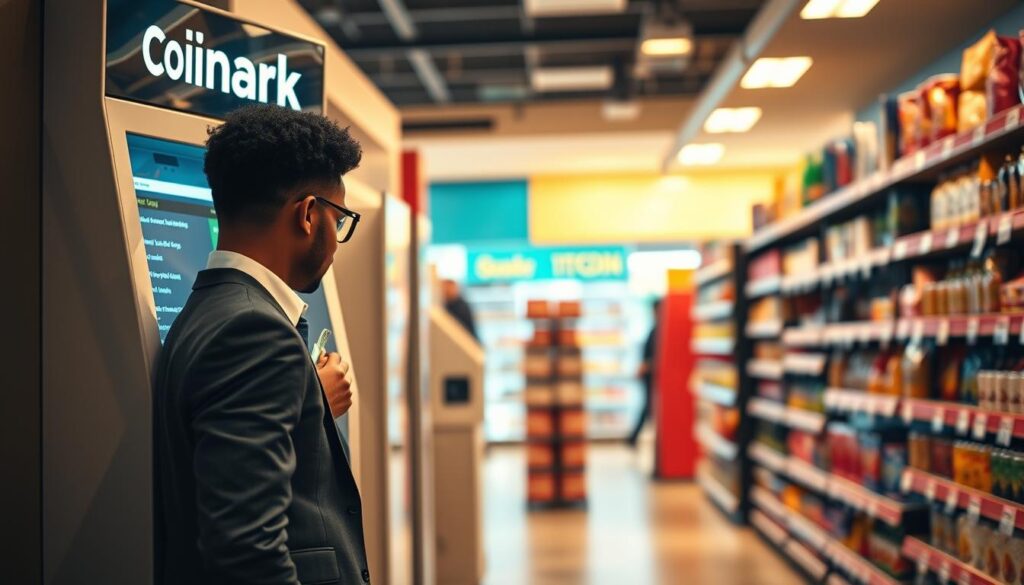
What I bring with me for a smooth purchase
- Phone: to show my wallet QR and receive a code if needed.
- Cash: in small bills so the kiosk accepts it without error.
- Backup plan: step outside for reception if the scan or confirmation stalls.
Account, phone number, and verification basics I keep in mind
Some machines ask for an account flow and a phone number for SMS verification. I keep my phone handy to enter the code and continue quickly.
Typical on-screen steps at bitcoin ATMs
- Choose “Buy.”
- Pick the asset (note: some screens list “bitcoin cash” — read carefully).
- Enter or confirm your number, scan your wallet QR, insert cash, then review and send.
| Step | What I do | Why |
|---|---|---|
| Read prompts | Confirm asset and amount | Avoid choosing the wrong option |
| Verify | Enter code sent to phone | Completes account checks fast |
| Confirm | Get receipt and check wallet | Proof of transaction |
How I find this location fast from Frontier Park and nearby areas
I orient myself with the neighborhood streets, then lock the exact destination on my phone. That keeps the trip focused and avoids wasting time hunting for the store.
Quick route notes for the Frontier Park area
I pull up the map link and start turn-by-turn: 3108 W Lake Rd, Erie, PA 16505 and the map URL https://g.page/r/CZfZxxySCpzYEBM/.
I use the neighborhood as my reference, then trust the link for the final turns. This saves me from circling and losing momentum.
What I look for when I arrive (storefront, parking, and the ATM)
- Visible storefront: a clear entrance makes a quick stop easier.
- Safe parking: room to pull in and handle cash without blocking traffic.
- Machine placement: I scan the front counter area first, then ask staff if needed.
- Backups: if this ATM is busy, I switch to nearby locations so I don’t lose time.
Other Bitcoin ATM locations in Erie, PA when I need alternatives
I keep backups listed by provider so I’m not stuck if my first stop is offline or busy.
Bitcoin Depot locations in Erie, PA (examples from current listings)
Bitcoin Depot has several nearby locations I check before I drive off.
- 750 Peninsula Dr, Erie, PA 16505 — phone (678) 435-9604
- 4662 W Ridge Rd, Erie, PA 16506 — phone (678) 435-9604
- 3760 W 12th St, Erie, PA 16505 — phone (678) 435-9604
- 1655 W Bayfront Pkwy, Erie, PA 16501 — phone (678) 435-9604
CoinFlip example and support details
I also note a CoinFlip spot that fits early or late runs.
CoinFlip — Bayfront Convenience Store: 556 West 4th Street, Erie, PA. Hours: 6:00 AM – 10:00 PM.
Support: (773) 800-0106 and [email protected]. I call the phone number if a purchase stalls.
Tip: signing up with CoinFlip can speed larger daily limits (up to $15,000, location limits may vary).
Cash-only reference
For pure cash transactions, I keep one cash-only store listed.
Samir’s Convenience: 1010 State St — open 6:00 AM – 9:00 PM daily. This location accepts cash only and can be useful for quick, simple purchases.
| Provider | Address | Info |
|---|---|---|
| Bitcoin Depot | 750 Peninsula Dr / 4662 W Ridge Rd / 3760 W 12th St / 1655 W Bayfront Pkwy | Call (678) 435-9604 for general help; multiple locations for quick pivot |
| CoinFlip | 556 West 4th Street | Open 6:00 AM – 10:00 PM; support (773) 800-0106; email available |
| Samir’s Convenience | 1010 State St | Cash-only acceptance; open 6:00 AM – 9:00 PM — good for simple cash purchases |
Tips I use to compare bitcoin ATMs in Erie before I buy bitcoin
Before I commit cash, I run a quick checklist on the screen to avoid surprises.
Fees, limits, and availability: what I check on-screen
I read the fee and exchange-rate line first and check the per-transaction limit. If the amount I want exceeds the tier, I split the purchase into smaller transactions.
I also confirm the machine shows “available” or “ready” so the purchase can complete now. If it looks offline, I move to a backup spot.
Cash-only vs other payment options
Payment method: I verify whether the kiosk accepts only cash or supports cards and other methods. This changes how much cash I bring and whether I need to change my plan.
Security habits I follow when handling cash and cryptocurrency
I double-check the wallet QR and the asset selected before I press submit. I keep my phone handy in case the account flow asks for a phone number and verification code.
I count bills discreetly, step aside to confirm details, and avoid showing my screen to others. I keep receipts or confirmation messages for proof in case support is needed.
| What I check | Why it matters | Action I take |
|---|---|---|
| Fees & rate | Impacts total cost | Compare, then decide to proceed or try another machine |
| Limits | May force multiple purchases | Split transaction or find higher limit kiosk |
| Payment types | Determines cash needed | Bring cash or use card-supported location |
| Account/verification | May require phone number and code | Keep phone ready; complete quick verification |
| Security & receipts | Proof and safety | Count discreetly, keep receipt, check wallet |
Conclusion
My closing rule is simple: choose a nearby location, read the on-screen prompts, and complete the purchase without overcomplicating things.
I prefer Coinark at 3108 W Lake Rd — I keep the map link handy: https://g.page/r/CZfZxxySCpzYEBM/. That store usually gives a clear, fast flow and reliable receipts.
Remember there are other locations to fall back on, including Bitcoin Depot examples and CoinFlip at Bayfront Convenience Store. If one kiosk looks busy or offline, I move on.
Quick checklist: bring cash, have my account and verification ready, confirm the asset (watch for bitcoin cash on-screen), and make sure my crypto goes to the right wallet. Stay calm and confirm before you submit.