
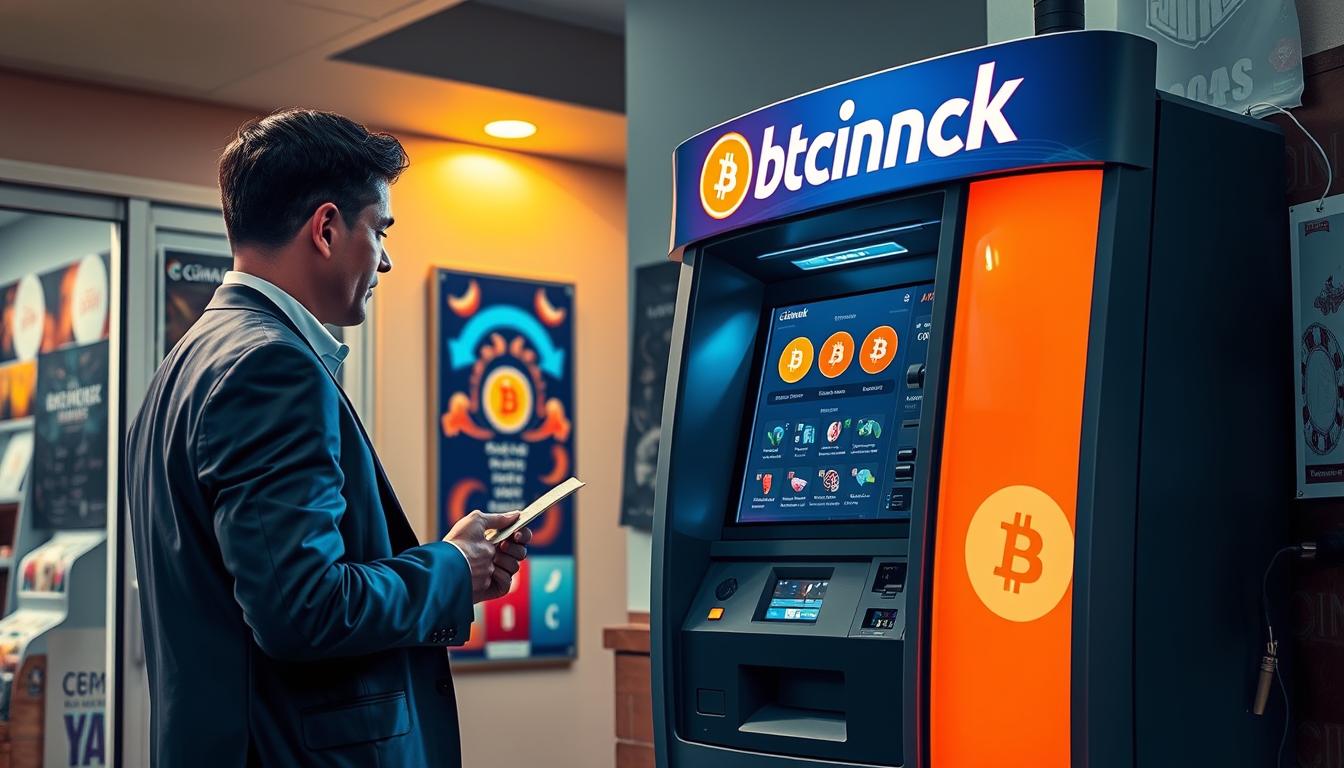
I keep this page as my quick, service-style guide to finding a convenient crypto kiosk by Presque Isle Downs. When I need to convert cash to digital currency, I want a straightforward, fast option I can reach on short notice.
I use the Coinark Bitcoin ATM at 3108 W Lake Rd, Erie, PA 16505 and link the map for fast navigation: https://g.page/r/CZfZxxySCpzYEBM/. This kiosk is my main pick when I need cash-to-crypto service on the go.
Quick plain language: a BTM lets me buy bitcoin and other cryptocurrency with cash, then sends the coins to my digital wallet. It is different from a bank atm because its purpose is buying crypto, not withdrawing fiat cash.
I’ll cover the exact address details, what the kiosk does, what to bring, expected hours, typical limits and fees, plus support steps if I need help. I’ll also include a short roundup of other local locations so I can compare hours and routes.
Key Takeaways
- I use Coinark at 3108 W Lake Rd as my go-to cash-to-crypto kiosk.
- A BTM buys crypto and sends it to your wallet, unlike a bank machine.
- Expect a fast in-and-out experience, but availability and times can vary.
- Bring your wallet app and ID if required; check posted limits and fees.
- I’ll list other local locations for quick comparison by ZIP and hours.
Coinark Bitcoin ATM at 3108 W Lake Rd, Erie, PA 16505
I use the Coinark kiosk at 3108 W Lake Rd as my quick cash-to-crypto stop. The address is exact so I can plug it into my GPS and avoid confusion when I’m in the area.
Address and on-site location details I use to find it fast
When I arrive I look near the front of the store or high-traffic entry points where kiosks usually sit. The unit is easy to spot from the main entrance, often by the register or against a wall in the store lobby.
Google Maps link for directions
Tap this map to start driving: https://g.page/r/CZfZxxySCpzYEBM/. I use the link for turn-by-turn directions and parking notes.
What I can do here: buy Bitcoin with cash in minutes
At this bitcoin atm I can buy bitcoin with cash and have the coins sent to my phone’s wallet in minutes. I make sure my wallet app is open and my address ready before I start.
- Exact address: 3108 W Lake Rd, Erie, PA 16505.
- Spotting tip: check near the store entrance or customer service area.
- Plan ahead: arrive with enough cash for the amount you want to purchase.
Bitcoin ATM near Casino Erie Erie, PA: why this spot is convenient
I like a quick, planned stop at Coinark on W Lake Rd when I need to turn cash into crypto between errands. It sits close to the Presque Isle Downs and entertainment strip, so I rarely take extra time out of my day.
Quick stops when I’m near Presque Isle Downs and the Erie casino area
If I’m already driving the corridor, a short detour to the Coinark bitcoin atm saves me a separate trip later. I park, walk in, and usually finish the purchase in minutes.
Nearby errands and timing so I can fit a purchase into my day
I aim for off-peak windows to avoid queues. Erie has multiple atms and locations for cryptocurrency purchases, but I choose the one that keeps me on route. Convenience, not speculation, guides my stops.
- Plan cash ahead: stop at my bank first or bring bills so the transaction is smooth.
- Quick in & out: pick a time when parking is easy and you can finish in minutes.
Hours and what to expect when I arrive
I factor evening hours into my route, especially when I need a quick cash-to-crypto purchase.
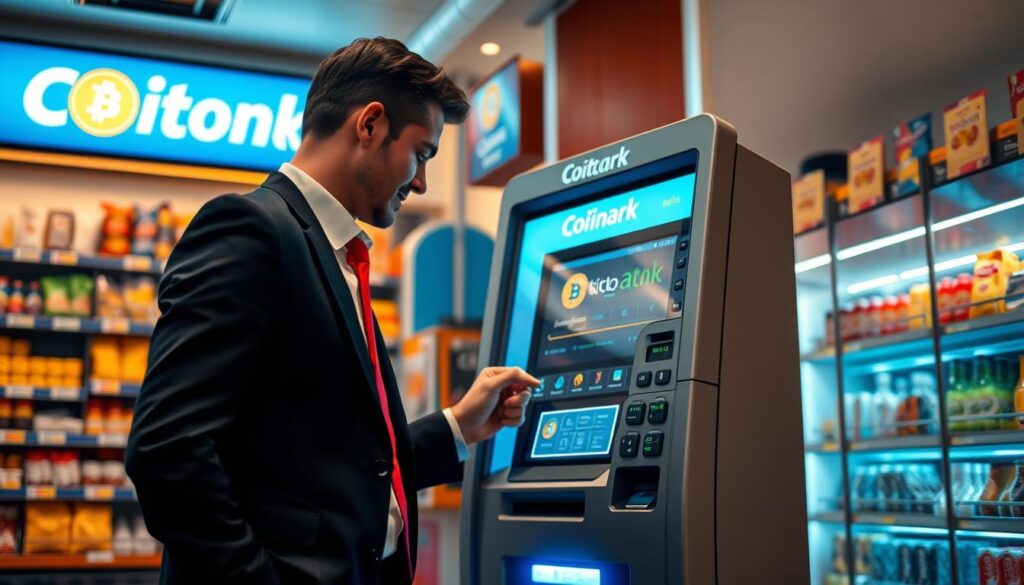
Typical hours: Some Erie-area listings run 6:00 a.m. to 10:00 p.m., so an evening visit is usually safe. Other spots close earlier, often around 9:00 p.m., so I always sanity-check the listed schedule before I drive across town.
What “open until 10:00 p.m.” looks like
When a store shows “open until 10:00 p.m.,” the shop often keeps regular staff and accessible entry until that time. I treat that as the last reliable window to start a transaction.
Cash-only acceptance and what I bring with me
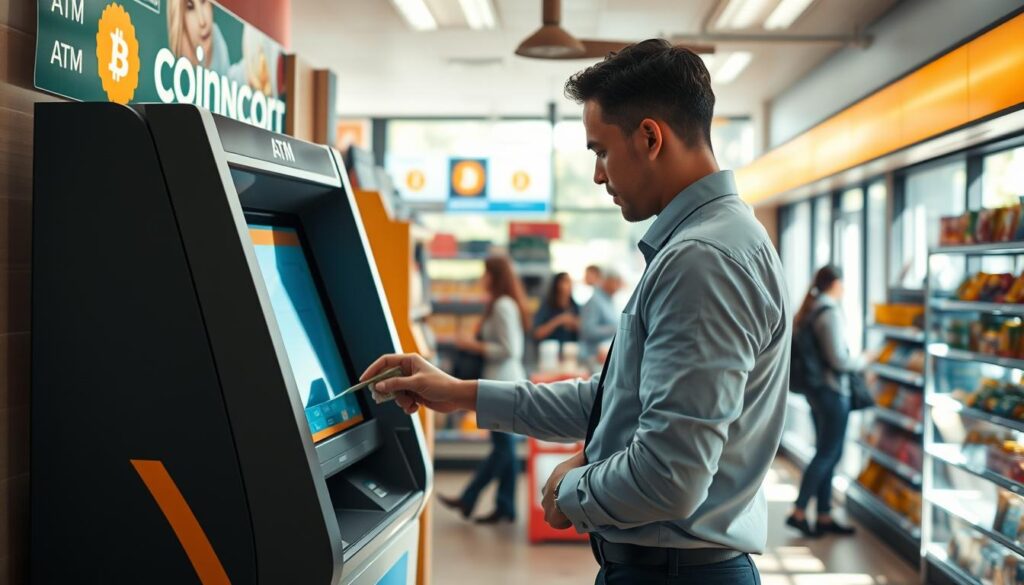
Cash expectations: Many kiosks accept cash only. I bring the right bills so the purchase goes smoothly and I can finish in minutes.
- Arrival routine: walk in, find the kiosk by the register, follow on-screen prompts.
- Quick checklist: my phone with wallet app, my cash, and a few extra minutes for ID or verification prompts.
- Time buffer: budget extra minutes for verification screens and receipt choice.
How I buy bitcoin at an ATM step by step
Before I tap the screen, I double-check my wallet app and address on my phone. I want the process to be fast and error-free.
Creating or opening my wallet
I open my wallet app and copy or display my receive address. Having the wallet ready saves time and avoids mistakes.
Entering identity details at the kiosk
At the atm I enter my phone number, then my name and email as prompted. I follow the on-screen steps exactly.
Setting a 4-digit PIN
I pick a memorable 4-digit PIN and keep it private. This adds a quick layer of security for the purchase.
Adding my wallet address
I usually scan my QR code to add the wallet address. If I type it, I read each character twice to avoid errors.
Inserting cash and confirming
I feed bills into the machine, confirm the amount, and approve the purchase on-screen. I choose print or email receipt and keep it for records.
How long it takes
The whole flow takes a few minutes, but delivery to my wallet can vary by network. I watch my wallet activity after I leave.
What I need before I purchase crypto
Before I head to the kiosk, I run a quick checklist so I don’t show up unprepared. This saves time and helps me avoid errors when I use the Coinark unit at 3108 W Lake Rd, Erie, PA 16505.
A compatible crypto wallet and why any digital wallet can work
The one non-negotiable item is a compatible digital wallet. The machine sends cryptocurrency to an address, not to a bank account.
Any wallet works if it supports the currency I’m buying. I open my wallet app, display my receive QR code, and confirm the address before I tap the screen.
Cash, ID expectations, and staying ready for prompts
I bring the cash I plan to spend and a little extra in case I change the amount on-site. I keep my phone charged so the QR code is clear.
Verification prompts vary by kiosk. I carry an ID in case the atm asks for additional details, and I follow on-screen steps exactly.
- Quick checklist: wallet ready, charged phone, cash, ID.
- Safety basics: keep my screen private, double-check addresses, save receipt info.
Transaction limits, minimums, and fees I plan for
My first step at the kiosk is a quick glance at limits and the fee line so the totals match my plan.
Daily range I plan around: I can buy bitcoin starting at $20, and the maximum goes up to $25,000 per customer per day.
I test the flow with a small purchase if I’m new. If I need a larger transfer, I confirm the daily cap before I add cash.
Fees and practical pricing notes
Transaction fees apply and show on the final confirmation screen. The fee changes the effective rate, so I read the totals before I approve.
- I convert cash to cryptocurrency on the spot, so the kiosk price is what matters right then.
- If delivery looks delayed, I wait a few minutes and check my wallet activity.
- My rule: if totals don’t look right, I stop and restart rather than rush.
| Item | Typical value | Notes |
|---|---|---|
| Minimum | $20 | Good for a quick test purchase |
| Daily maximum | $25,000 | Per customer, confirm ID or limits if needed |
| Speed | Minutes | Delivery often completes within minutes, network dependent |
| Fees | Displayed at checkout | Read final screen to see total cost |
Other Bitcoin ATM and crypto purchase locations in Erie, PA
I map a few alternative spots across town so I can choose the best option by ZIP code and hours.
Examples of nearby addresses I check
When my main Coinark location is busy, I keep a shortlist of published locations to pick a backup quickly.
- 4050 Depot Rd, 16510 (BDCheckout™)
- 8180 Perry Hwy, 16509 (BDCheckout™)
- 8035 Perry Hwy, 16509 (BDCheckout™)
- 4662 W Ridge Rd, 16506 (BDCheckout™)
- 1655 W Bayfront Pkwy, 16501 (bitcoin atm)
- 363 W 4th St, 16507 (bitcoin atm)
How I choose between these locations
I look at hours, parking, and whether the store sits on my route. That helps me avoid long waits and extra driving.
I distinguish kiosk types — some are standalone bitcoin atms while others use BDCheckout™ retailer counters. The in-store option can mean staff help, while a kiosk is faster if I just want a quick purchase.
Tip: I prioritize hours and ZIP code proximity so I can finish a crypto purchase without detours. Coinark at 3108 W Lake Rd stays my top pick when I’m by the casino area because it fits my route and timing.
Support details: phone number, receipt options, and follow-up
After I complete a cash-to-crypto exchange, my focus is on saving proof and support contacts. I make this a quick habit so I can act fast if delivery is delayed or details don’t match.
Using my receipt (print or email) to track the purchase
I always choose a receipt—print or email—because it’s my proof of purchase and the fastest way to reference the transaction later.
On every receipt I check three items: date/time, amount, and the transaction reference. These let me match the receipt to my wallet activity.
“Keep the receipt until the transfer appears in your wallet.”
What contact details I keep handy (phone and email)
I save the published support phone number (678) 435-9604 in my contacts right after a purchase. I also keep the email receipt or support address if I selected the email option.
- Saved on my phone: support number and the receipt email.
- Receipt fields I note: date/time, amount, and the reference number.
- Why it matters: cash-based purchases can’t be reversed like cards, so records are vital.
| Item | What I check | Why it helps |
|---|---|---|
| Date / Time | Match to wallet activity | Locates the exact transfer |
| Amount | Confirm cash value sent | Verifies correct funds |
| Reference | Support lookup number | Speeds up resolution |
Follow-up routine: I check my wallet, compare it to the receipt, and save the record. If the transfer is delayed, I call the support phone and give the reference number so they can locate the transaction quickly.
Conclusion
My go-to is Coinark Bitcoin ATM at 3108 W Lake Rd, Erie, PA 16505 — use this map for fast directions: https://g.page/r/CZfZxxySCpzYEBM/.
In plain terms: I buy crypto with cash, open my wallet, follow the on-screen prompts at the atm, and finish the purchase in minutes.
Plan for fees and limits: expect transaction fees, a minimum around $20 and daily caps up to $25,000. Read the confirmation screen before you approve.
Save your receipt — print or email — and keep the support phone number handy if anything looks off. Erie has other locations and atms if I need alternatives.
Quick action: check your wallet after leaving the store and keep your records for peace of mind.