
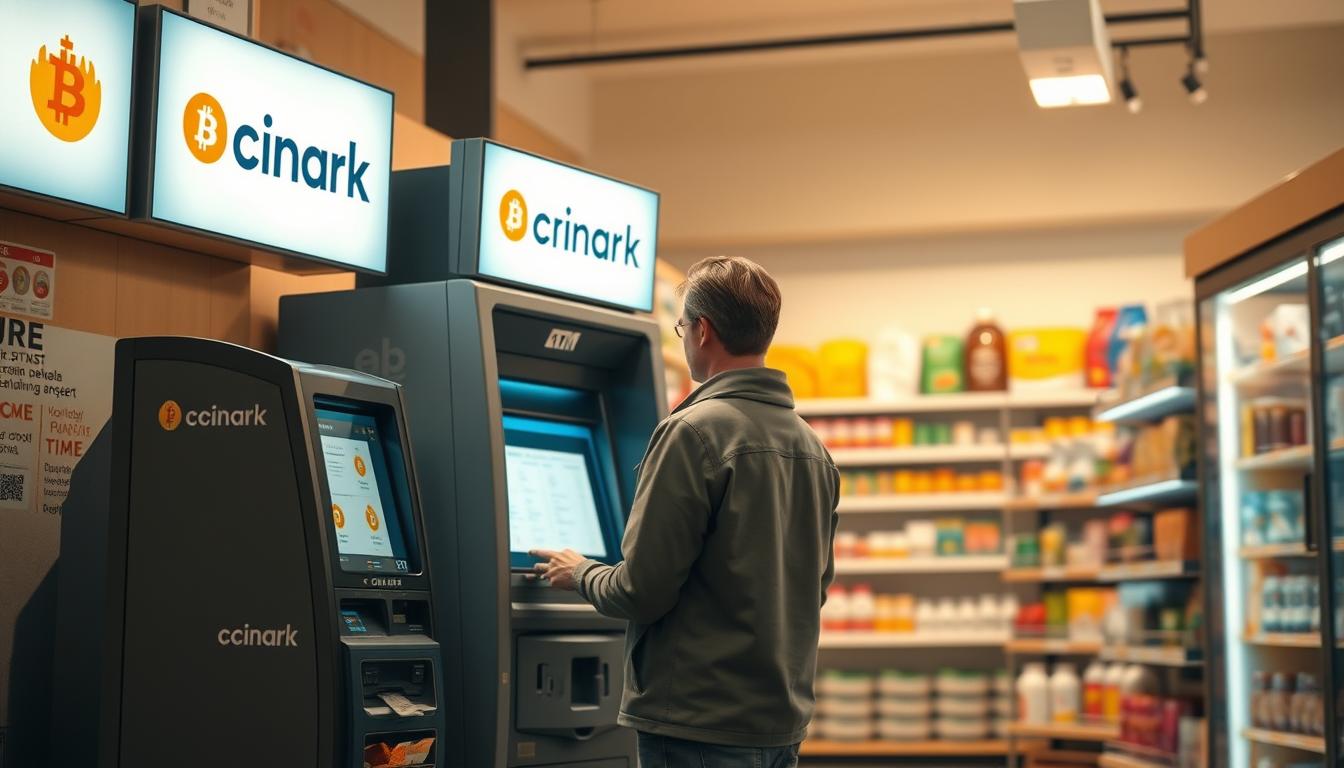
Have you ever wondered how to turn crypto into cash quickly without the confusion? I walk you through my simple, private routine for using a local bitcoin atm that keeps things fast and safe.
I start at my go-to kiosk at 3108 W Lake Rd and map nearby options that match my schedule. I note hours—many run until 10:00 p.m.—so I don’t arrive after stores close.
My process is steady: prep my digital wallet, scan the QR, enter my phone number and PIN when prompted, and choose a print or email receipt. I check limits first; common ranges run from $20 to $25,000 per customer.
I favor well-lit locations with parking and maintained machines, like Bitcoin Depot and Coinhub, to speed transactions and reduce hassle. I keep a charged phone, my QR ready, and a backup email for receipts so the whole exchange is smooth.
Key Takeaways
- I use a clear checklist: charged phone, QR, PIN, and backup email.
- I plan visits around hours that often run to 10:00 p.m..
- I verify kiosk limits—typically $20 to $25,000—before I go.
- I prefer well-lit, staffed locations like Bitcoin Depot and Coinhub.
- The transaction flow: phone number, PIN, wallet scan, then receipt.
Coinark Bitcoin ATM at 3108 W Lake Rd, Erie, PA 16505: my trusted spot to sell securely
The Coinark machine at this address is the one I turn to when I want a quick, private transaction.
Exact location and quick link: https://g.page/r/CZfZxxySCpzYEBM/
The kiosk sits near a convenient storefront entrance, so I can park, walk up, and finish in minutes. I prep my wallet and QR before I arrive to keep the flow fast. On-screen prompts lead me through each step without needing help from staff.
I appreciate the privacy of standing close to the screen and shielding my QR while I confirm details. The setup makes it simple to convert to cash with no fuss, and the location is easy to spot among the nearby locations I use.
What can I do here
- I sell for cash quickly and privately at this Coinark atm inside the store.
- I use the Google Maps link to confirm the entrance and save time finding parking.
- I usually visit during well-lit hours up to about 10:00 p.m. or earlier, like 06:00 a.m. when I’m running errands.
Selling Bitcoin via ATMs in Erie, PA: how I complete a cash-out in minutes
I keep my flow tight and simple, so a cash-out takes only a few minutes at the kiosk.
Prepare my digital wallet and wallet QR code
I open my digital wallet and make sure the Bitcoin wallet QR is bright and scannable. I bump screen brightness if needed, so the kiosk camera reads it fast.
Verify with my phone number and follow on-screen prompts
At the atm, I confirm my phone number if prompted and follow the on-screen steps slowly. I keep my wallet code and PIN private and cover the keypad when I enter any code.
Enter or scan my wallet address and confirm the transaction
I either scan my QR or carefully enter the wallet address. When I provide wallet info manually, I double-check the first and last four characters to avoid errors in the transaction.
Print or email my receipt and collect cash when the sale finalizes
I review amounts and fees, then choose email for archiving and a printed receipt for immediate backup. I wait the few minutes shown on-screen, stay nearby with my phone unlocked, and only step away after I see a success message and secure the cash.
- I usually plan visits from 06:00 a.m. to 10:00 p.m. So I’m not rushed.
- I keep mobile data on and my account app ready in case I need to open the wallet or confirm an email.
Limits, ID checks, and timing I plan for at local BTC kiosks
I plan trips to kiosks around the verification steps and typical daily caps I expect.
Daily ranges I’ve seen run from $20 on the low end up to $25,000 for heavy users. Some machines, like Bitcoin Depot units, ask for a phone number, name, and email during a purchase.
Coinhub lets small buyers under $2,000 use only a phone number. Larger sums trigger more account verification and ID checks. I always bring a photo ID when I plan higher tiers.
- I plan amounts to match kiosk limits so sessions do not fail.
- I keep my phone ready for a text code and log any reference number shown on-screen.
- I save the GetGo contact 678-435-9604 for quick help at the Bayfront Parkway bitcoin depot location.
- I avoid starting a session near 10:00 p.m.; typical hours run 06:00 a.m. to 10:00 p.m.
- I check nearby locations or Bitcoin Depot ATMs in case one machine is busy.
Tip: give yourself 15–20 minutes before closing and confirm the wallet summary before you approve the transaction.
Hours and alternative Erie locations I keep on my map
I keep a short list of reliable kiosk hours so I’m never stuck after the store doors close.
I map a few nearby options before I leave. That way, I can choose the closest store with enough time to finish the steps on-screen.
Bitcoin Depot at GetGo — 1655 W Bayfront Pkwy
Hours: 06:00 a.m. to 10:00 p.m. I call 678-435-9604 if I’m cutting it close to confirm the kiosk area is open.
Bitcoin Depot at GetGo — 4307 Buffalo Rd
Hours: 06:00 a.m. to 10:00 p.m. I keep this as a backup when the first atm is busy or out of service.
Coinhub inside Samir’s Convenience — 1010 State St
Hours: 6:00 AM to 9:00 PM. This machine is cash only, so I plan visits earlier in the evening and look for nearby parking.
| Location | Hours | Notes |
|---|---|---|
| GetGo, 1655 W Bayfront Pkwy | 06:00 a.m. to 10:00 p.m. | Call 678-435-9604 to confirm access |
| GetGo, 4307 Buffalo Rd | 06:00 a.m. to 10:00 p.m. | Good backup if one atm is busy |
| Samir’s Convenience, 1010 State St | 6:00 AM to 9:00 PM | Cash only; parking available |
- I aim for well-lit times—often a.m. and through today 10:00 p.m.—to avoid rushes.
- I bring my Bitcoin wallet app and double-check the wallet QR for a single smooth scan.
- I watch posted limits and the common flow (enter info, scan wallet, choose receipt) at Bitcoin Depot locations.
Tip: call 678-435-9604 bitcoin depot if you’re arriving near closing to confirm the store and kiosk access.
Wallets, codes, and receipts: how I keep my transactions smooth
Before I tap any buttons, I set up my phone so the wallet screen is ready to scan. I open my digital wallet ahead of time and boost screen brightness so the Bitcoin wallet QR fills the frame. Clean, bright QR codes scan faster and cut down on retries.
Using a digital wallet: QR code, wallet address, and PIN hygiene
I guard my wallet code and PIN by covering the screen and keypad. I never photograph or share codes; keeping them private prevents headaches later.
I double-check the address when I provide wallet details manually. I compare the first and last characters before I confirm any code or amount on the screen.
- I request an email receipt every time so I can archive confirmations and match them to my app.
- I extend my phone’s auto-lock during a session so the screen won’t sleep mid-transaction.
- I store printed receipts in a slim sleeve so the cash receipt stays legible until I file it at home.
“Labeling each entry in my wallet app right after finishing saves time when I reconcile accounts later.”
Finally, I set a quick calendar reminder to reconcile the transaction and note which app or network I used if I plan to fund a Bitcoin wallet elsewhere. I step aside, stow phone and receipt, then leave confident I handled the atm visit safely.
Getting there and staying safe when I sell
I pick the quickest route and park close so I only spend a few minutes outside my car.
I saved the map link and followed the fastest way to the kiosk. I park in a visible spot near the entrance so I don’t walk far with my phone out.
I aim for bright hours—typically 06:00 a.m. to 10:00 p.m.—when staff presence and lighting make the visit calmer and safer.
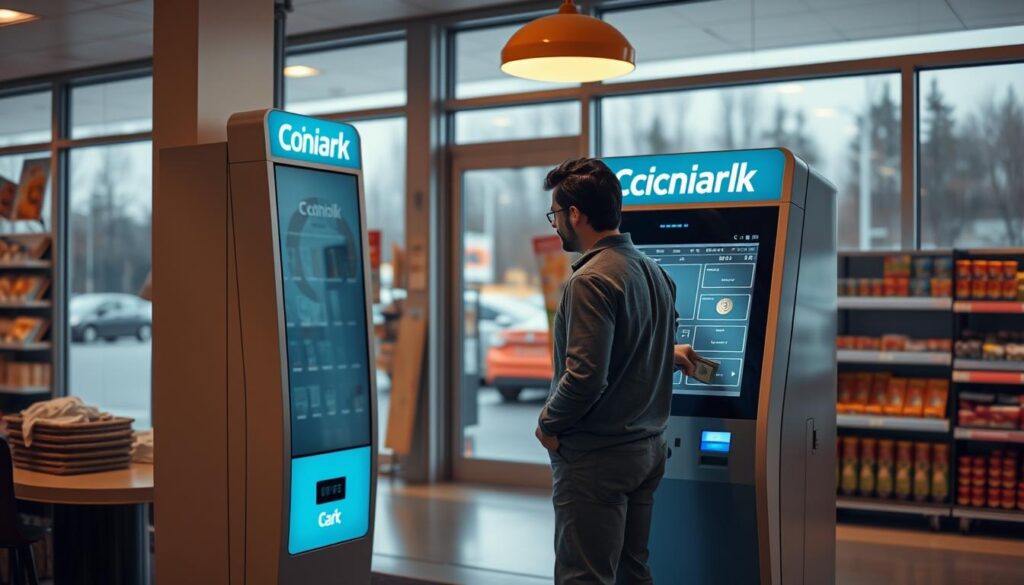
- I scan the area for other ATMs and the bitcoin atm sign as soon as I step inside, so I move with purpose.
- I keep my wallet QR ready before approaching and carry only a phone, ID, and a small wallet to stay agile.
- I cover the keypad with my hand or shoulder and avoid saying codes aloud to keep details private.
- I don’t count cash on-site; I pocket receipts and cash, then check totals in a safer spot outside.
- If something feels off, I pick an alternative from my saved locations rather than forcing a session.
- I lock my vehicle, hide valuables, and send a quick ETA to a friend when I visit late to add an extra layer of safety.
Tip: planning the way and parking near the entrance shaves minutes off the visit and reduces risk.
Conclusion
I rely on a compact process that makes each visit predictable and secure. I keep my Coinark Bitcoin ATM link handy (https://g.page/r/CZfZxxySCpzYEBM/) and stick to a short checklist so a cash bitcoin atm visit stays quick.
I prep my digital wallet and QR, confirm amounts and fees, and choose both printed and email receipts. I aim for well-lit hours—often before 10:00 p.m.—and save nearby options so I can pivot if one atm is busy. I also label my Bitcoin wallet entries for easy record-keeping and to see locations fast.
I may buy Bitcoin or buy Bitcoin Cash on errands, or use a cash Bitcoin option, depending on the machine. I keep safety habits—short walks, no counting cash on-site, and stowing receipts—before I head out.
I save the 435-9604 bitcoin depot contact and try the bitcoin depot mobile or depot mobile tools when I want extra features. With a charged phone and this routine, I can fund bitcoin or finish a purchase and move on confidently.