
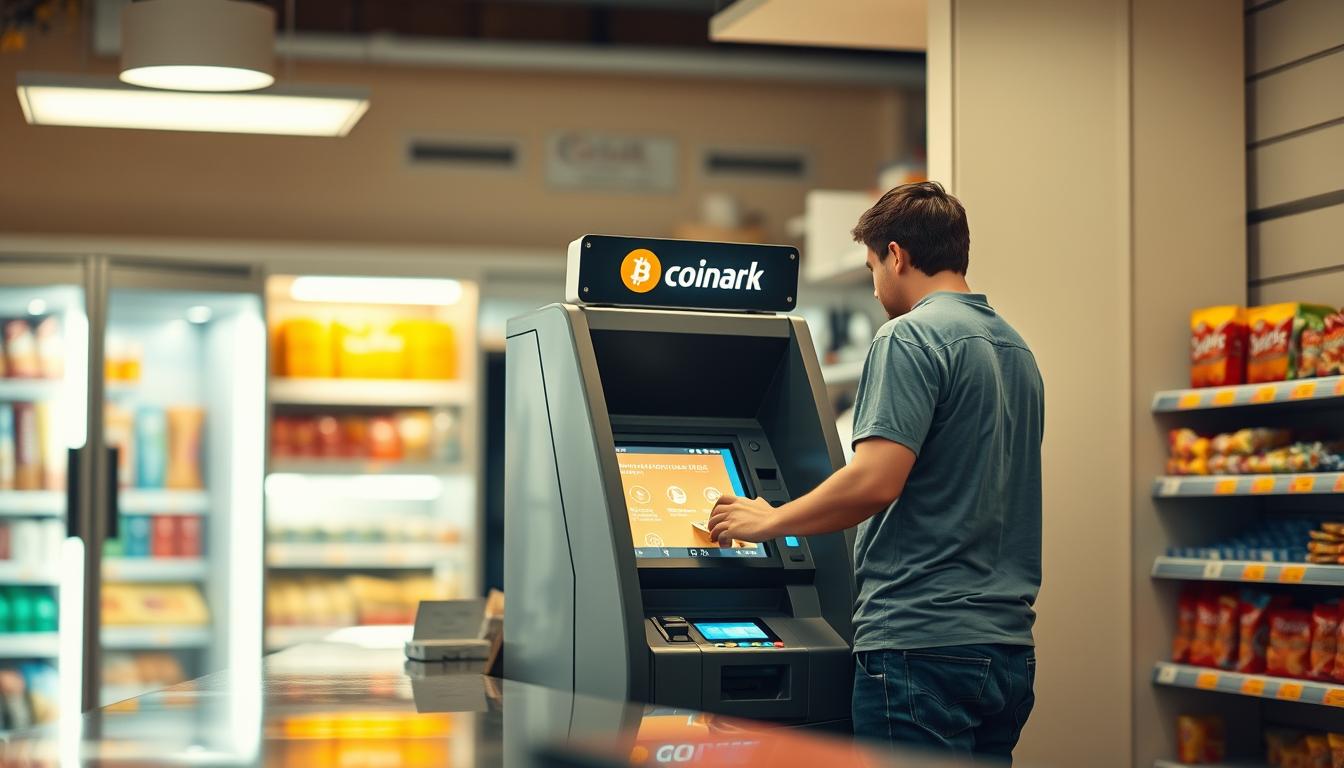
Want to get cash in hand from a local kiosk in under 10 minutes? I do. I value speed and clear hours, so I head to my featured Coinark location at 3108 W Lake Rd first and keep a backup nearby.
I come ready with my digital wallet QR on my phone so the transaction stays quick and error-free. I check that the bitcoin atm is open — many Bitcoin Depot machines at GetGo list daily hours of 06:00 a.m. to 10:00 p.m., and the Bayfront GetGo at 1655 W Bayfront Pkwy notes support at 678-435-9604.
I also confirm limits and receipt options before I go. Coinhub at 1010 State St runs 6:00 AM – 9:00 PM and requires ID for larger cash outs. With a simple plan A and B, I can get cash and be on my way.
Key Takeaways
- Bring a scannable digital wallet to speed the process.
- Note store hours — many kiosks operate 06:00 a.m. to 10:00 p.m.
- Check posted limits and ID prompts before you go.
- Use a plan A/B with Coinark and nearby Bitcoin Depot locations.
- Keep support numbers like 678-435-9604 handy for kiosk help.
My quick overview of cashing out crypto at Bitcoin ATMs in Erie today
I start by spotting the nearest bitcoin atm on my phone and checking whether it’s open right now. That saves me time and keeps the whole trip under ten minutes when possible.
I note posted hours — many local kiosks list 06:00 a.m. to 10:00 p.m. and often close around 10:00 p.m.. Knowing this helps me plan before or after work.
I arrive with my wallet ready on my phone, so a QR scan and confirmation move in seconds. The machine usually asks for a phone number and a PIN on-screen before the next step.
- I check daily caps and receipts so my Bitcoin wallet and the kiosk records match.
- I pick less crowded stores and easy parking to keep trips short.
- If a machine is offline, I switch to another ATM nearby — there are reliable ways buy or get cash when I need them.
My checklist: unlock phone, open digital wallet, scan, confirm amount, finish. Simple, repeatable, and quick.
Featured location: Coinark Bitcoin ATM at 3108 W Lake Rd, Erie, PA 16505
I head to Coinark at 3108 W Lake Rd and tap the map link (https://g.page/r/CZfZxxySCpzYEBM/) before I leave so navigation drops me right at the door. I check the kiosk screen from outside to confirm it’s active and plan a quick, private spot to use my phone and wallet.
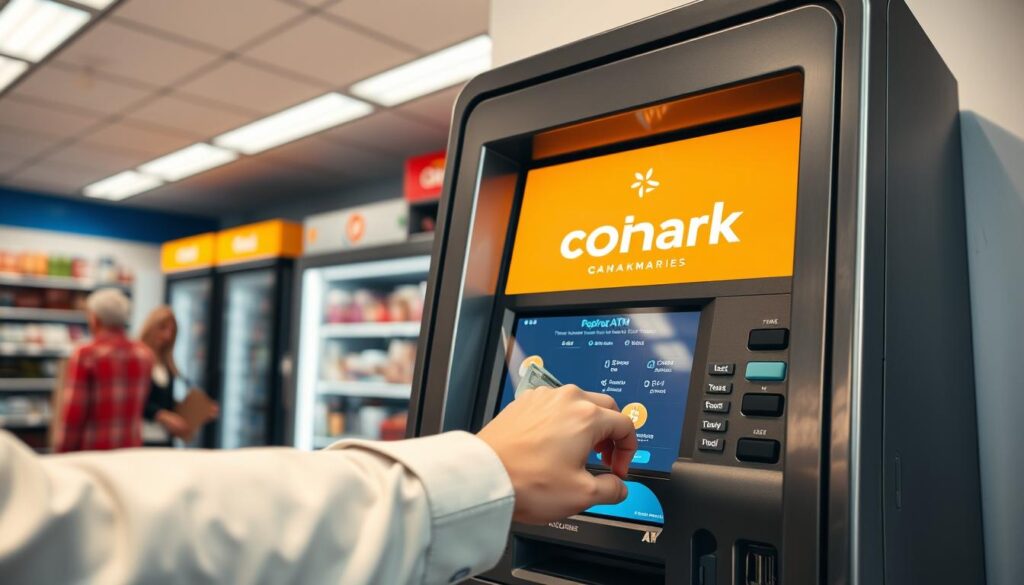
Exact address and map link
Coinark Bitcoin ATM, 3108 W Lake Rd, Erie, PA 16505 — I always open the map link to avoid parking or entry delays.
What I bring to sell quickly
I bring my phone with my wallet app open and the QR code ready to scan. If I expect larger amounts, I carry an ID in case the kiosk asks for verification.
- I ensure my phone number can receive one-time codes and that my email is reachable for a digital receipt.
- I keep the QR bright and tilt the screen to avoid glare during scanning at the atm.
- I check nearby locations’ hours, like 06:00 a.m. to 10:00 so I have a backup, and I keep support numbers such as 678-435-9604 for Bitcoin Depot, if I need help.
How I handle selling Bitcoin via ATMs, Erie, PA, step by step
Before I touch the screen, I prep my phone so scanning the code is quick and clean. That simple habit cuts errors and keeps the whole transaction under a minute when I’m in a rush.
Set up or open my digital wallet and QR code
I open my digital wallet and bring up the correct QR. I raise the screen brightness and disable auto-lock so the wallet code scans first try.
Verify with my phone number and create a PIN if prompted
When the atm prompts, I enter my phone number and set a four-digit PIN for that account on the kiosk. This step keeps follow-up access secure.
Provide wallet address or scan my wallet code at the ATM
I always scan the wallet code rather than typing an address. Scanning reduces typos and speeds the way forward.
Confirm the sale amount, review the limits, and complete the transaction
I confirm the exact amount, check posted limits, and finish the purchase flow. For larger totals, I have my ID ready if the machine asks.
Choose receipt by print or email, and track the transaction
I pick print or email for a receipt and then watch my Bitcoin wallet for confirmation. If network delays occur, I wait calmly and retain the receipt for support if needed.
- Tip: keep your phone unlocked and screen bright while at the kiosk.
- Tip: scan the wallet code to avoid mistakes and save time.
Nearby alternative Bitcoin ATM networks I can use in minutes
When my main kiosk has a line, I have quick backup spots that usually shave minutes off the trip. I keep these nearby locations on my map so I can switch without wasting time.
Bitcoin Depot at GetGo — 1655 W Bayfront Pkwy
Open daily 06:00 a.m. – 10:00 p.m., this Bitcoin Depot is my first backup. If I need help, I call 678-435-9604 while still at the store for fast support.
Bitcoin Depot at GetGo — 4307 Buffalo Rd
This location mirrors the same 06:00 a.m. to 10:00 a.m. window and gives me another reliable option when lines are long. The consistent hours across the depot ATMs make planning easy.
Coinhub inside Samir’s Convenience — 1010 State St
Coinhub runs from 6:00 AM – 9:00 PM and is cash only. There is parking and no prior account needed for transactions up to $2,000; larger amounts may require ID.
- I keep my wallet ready to scan so I can move through any network quickly.
- If a machine acts up, I call 678-435-9604 to resolve simple issues on the spot.
Limits, timing, and compliance details I keep in mind
I check daily caps and verification prompts before I tap the screen. That saves time and prevents surprises when the machine asks for extra steps.
Typical daily limits: $20 minimum to $25,000 maximum
I plan transactions inside operator limits. Bitcoin Depot posts a $20 minimum and a $25,000 daily maximum per customer.
Coinhub allows purchases up to $2,000 with only a phone number. Higher tiers may require ID and an account review.
Transaction times, receipts, and when ID verification may apply
Expect a few minutes for confirmations and final settlement. Network load can lengthen wait times, so I allow extra time near the 10:00 p.m. close.
| Operator | Daily limits | Verification | Receipt |
|---|---|---|---|
| Bitcoin Depot | $20 min — $25,000 max | Phone code; ID for high tiers | Print or email |
| Coinhub | Up to $2,000 without ID; higher limits up to $25,000 | Phone number; ID for higher amounts | Print or email |
| Typical notes | Plan within posted caps | Keep phone on for one-time codes | Always choose a receipt |
- Tip: keep your phone ready for a verification number so the flow stays quick.
- Tip: pick print or email to reconcile with your Bitcoin wallet and spending records.
Pro tips I use to cash out fast at any bitcoin atm
A quick pre-check of my wallet app cuts minutes off the whole trip and keeps me calm. I do a few simple steps at home so the kiosk flow moves smoothly when I arrive.
Prepare my wallet, test my QR code, and check network fees
I open my wallet and test the wallet code on another screen to ensure the scanner reads it. This saves precious minutes at the kiosk.
I also check estimated network fees so I can choose the best time to cash out and avoid peak congestion.
Know store hours, bring sufficient cash for fees, and keep my number handy
I verify store hours and set a reminder so I’m not rushing near closing. I bring extra cash for any on-site fees or small purchases.
I keep my phone number ready for quick verification and position a high-contrast display so I can provide wallet details in one pass.
- Use depot mobile tools when convenient to pre-check balances or fund bitcoin wallet options for later.
- Max brightness, a clean screen protector, and a steady tilt reduce rescans and cut time at the kiosk.
- Save depot mobile support links and run a short checklist before leaving home for peace of mind.
Why I sometimes choose to buy Bitcoin or fund my wallet instead
When I want flexibility, I often top up my crypto holdings rather than convert them to cash immediately. Buying allows me to act on price dips and plan future moves without multiple trips.
Using the Bitcoin Depot mobile and BDCheckout options when needed
Bitcoin Depot makes it easy to buy Bitcoin in person with 9,000+ kiosks for cash purchases and BDCheckout at retail registers.
“I fund my bitcoin wallet at the register when I need quick access and a paper or email receipt.”
- I use a cash bitcoin atm for fast, in-person buys when bank transfers are slow.
- BDCheckout lets me fund bitcoin wallet balances at checkout for simple, contactless top-ups.
- I rely on Bitcoin Depot mobile to find kiosks, check limits ($20 min to $25,000 max), and avoid downtime.
| Method | Speed | Limits | Receipt |
|---|---|---|---|
| Cash kiosk | Minutes | $20 min – $25,000 max | Print or email |
| BDCheckout (retail) | At checkout | Per-store limits; follows Depot caps | Email or printed receipt |
| In-app wallet top-up | Quick setup, then in-store buy | Varies; follows operator rules | Digital receipt |
Conclusion
I finish every trip by confirming the on-screen amount and filing a receipt for my records. That final check keeps my transaction clean and avoids surprises at the register.
I use a primary bitcoin atm and one backup location, both usually open 06:00 a.m. to 10:00 p.m., and I note closing times like 10:00 p.m. before I go.
I bring my wallet ready to scan, keep depot mobile links handy, and call support if needed — the key number I save is 678-435-9604 for Bitcoin Depot help.
With a quick routine — confirm hours, scan my digital wallet, verify the purchase, and keep the cash and receipt — I stay efficient and calm at the atm.